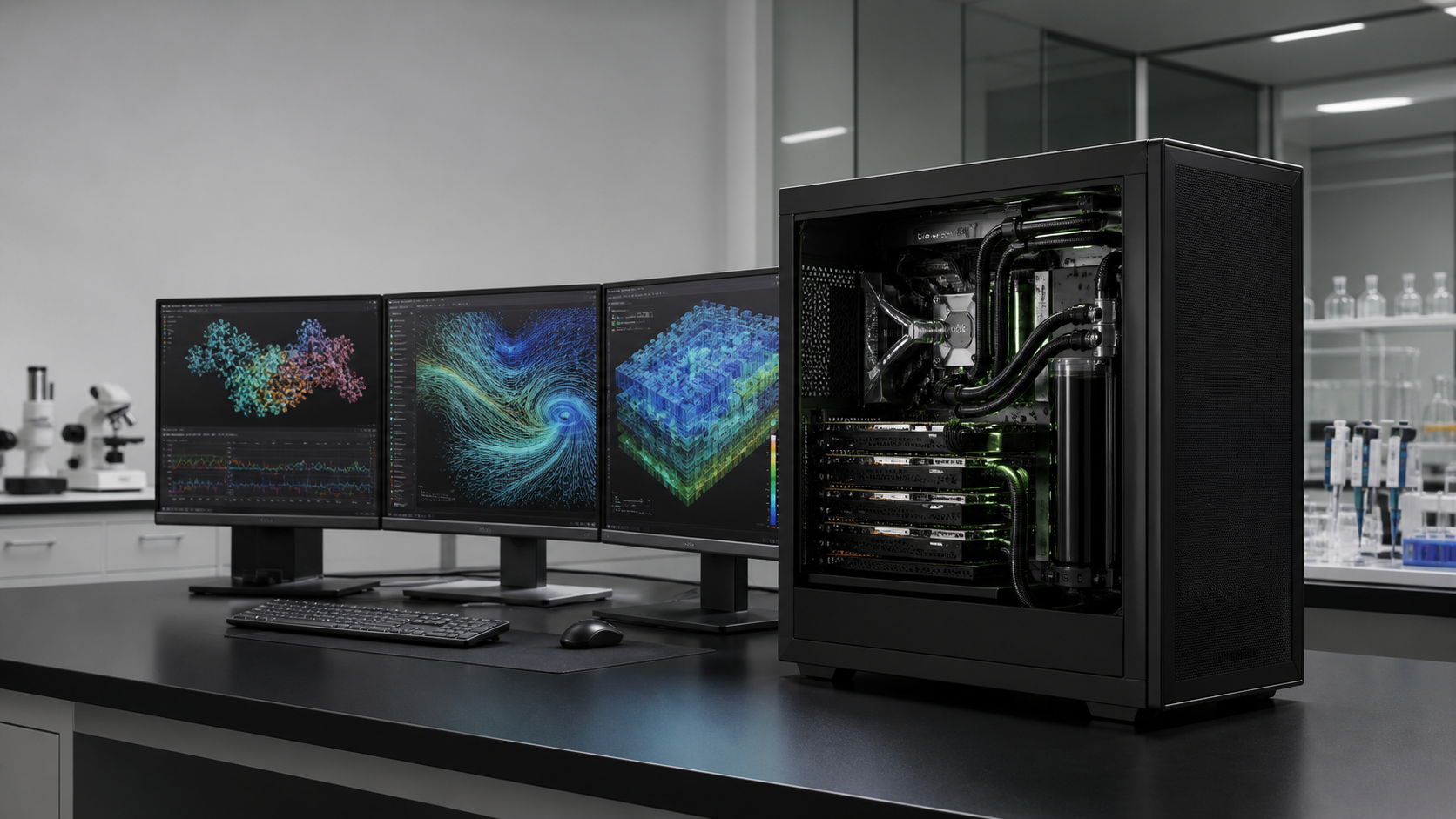
A scientific workstation can have an excellent CPU, several hundred gigabytes of RAM and a professional GPU, yet still fail the job that matters because the active model will not fit in GPU memory. The NVIDIA GB300 Grace Blackwell Ultra Desktop Superchip attacks that problem differently. It places a 72-core Grace Arm CPU and one Blackwell Ultra GPU behind NVLink-C2C, exposing 496GB of LPDDR5X and 252GB of HBM3e through a coherent 748GB address space.
That does not make a GB300 workstation the fastest scientific computer for every code. It does make it unusually useful when memory capacity, CPU-GPU data movement and repeated local access are the constraints. Research teams comparing it with an x86 workstation, a multi-GPU tower or a shared cluster should start with the working set, software architecture and daily operating pattern rather than a peak-compute number.
GPUMachines currently offers two desk-side GB300 systems: the GIGABYTE W775-V10-L01 configurator and the MSI XpertStation WS300 configurator. This guide explains where that platform can beat a conventional scientific workstation, where it cannot, and what a laboratory should prove before buying.
The Short Answer
A GB300 workstation is the stronger choice when all or most of the following are true:
- the AI model, embedding index or analysis state exceeds the practical VRAM limit of a conventional workstation GPU;
- the workload repeatedly moves large data structures between CPU and GPU memory;
- researchers need immediate, private access rather than a remote queue;
- the software stack is available for Linux on Arm64;
- one large-memory GPU is more useful than several separate PCIe GPUs;
- the laboratory can provide suitable power, cooling, noise control and administration.
A conventional x86 workstation remains the safer choice when the required application is Windows-only, x86-only or tied to certified graphics drivers; when CPU single-thread performance matters more than AI tensor work; when 96GB of GPU memory is enough; or when the user needs several display and rendering applications alongside compute.
For sustained multi-node training, large ensembles or many concurrent users, neither tower should be mistaken for a cluster. A PCIe GPU server, an HGX system or hosted infrastructure may be the better unit of purchase.
What Is Different About the GB300 Workstation Architecture?
Most scientific workstations have separate memory domains. The CPU reads system RAM. A PCIe GPU reads its own device memory. Software copies data between them or uses managed-memory mechanisms that still operate across the PCIe relationship. That design is flexible and familiar, but the GPU's local memory remains a hard planning boundary for many workloads.
The GB300 workstation couples the Grace CPU and Blackwell Ultra GPU through NVLink-C2C. NVIDIA documents a hardware-coherent address space across the 496GB LPDDR5X CPU memory and 252GB HBM3e GPU memory. Supported mappings can be accessed by both processors without the programmer performing explicit cache management for each hand-off.
The phrase "748GB coherent memory" needs careful reading. It does not mean 748GB of HBM3e, and it does not make every access equally fast. The GPU's 252GB HBM3e is specified at up to 7.1TB/s, while the 496GB LPDDR5X attached to Grace is specified at up to 396GB/s. NVIDIA also notes that the GPU's access to CPU memory is not cached in the same way as the CPU's access path. Placement, access pattern, framework support and precision still determine performance.
The practical gain is capacity plus a simpler data relationship, not magical uniform memory. A model that cannot fit in 96GB or 192GB of separate PCIe GPU memory may become feasible in one coherent address space. The hottest tensors should still remain close to HBM wherever the runtime permits.
GB300 Versus a Conventional Scientific Workstation
| Decision area | GB300 Grace Blackwell Ultra workstation | Conventional x86 plus RTX PRO workstation | | --- | --- | --- | | Main strength | Very large coherent CPU-GPU address space | Broad software, graphics and expansion compatibility | | Processor | 72-core NVIDIA Grace Arm CPU | Configurable AMD Threadripper PRO, EPYC, Intel Xeon W or similar | | GPU memory | 252GB HBM3e plus coherent access to 496GB LPDDR5X | 96GB GDDR7 per RTX PRO 6000 Blackwell GPU | | CPU-GPU link | NVLink-C2C with hardware coherence | PCIe 5.0 x16 per GPU, topology-dependent | | Multi-GPU flexibility | One integrated Blackwell Ultra GPU; optional RTX PRO on supported designs | One to four PCIe GPUs depending on chassis, lanes, power and cooling | | Graphics and ISV software | Must be checked; AI-first Linux/Arm platform | Strong fit for CAD, DCC, display and certified x86 workstation applications | | Scale-out network | Dual 400Gb/s ports through ConnectX-8 on current systems | Configurable NICs, but high-speed ports use PCIe slots and lanes | | Storage expansion | Four M.2 positions on current designs | Often more drive bays, U.2/U.3 options and add-in storage choices | | Best fit | Large-model AI, memory-heavy data science, Grace Blackwell development | Mixed CPU/GPU engineering, rendering, visualisation and modular expansion |
This is not a ranking table. It is a boundary map. The GB300 design gives up some modularity to create a tighter CPU-GPU system. The conventional workstation keeps CPU, RAM, graphics and PCIe devices more independent.
Scientific Workloads That Can Benefit
Large-model inference and evaluation
Research teams often need to inspect a model before deciding how it should be compressed or deployed. If the weights, KV cache and runtime overhead exceed one GPU's VRAM, a normal workstation must quantise more aggressively, offload over PCIe or divide the model across GPUs. GB300's coherent address space can provide another route.
Capacity should not be confused with throughput. A model fitting in memory says nothing by itself about token rate, latency or useful concurrency. Precision, context length, batch size and the runtime's memory placement decide whether the result is usable. NVIDIA's statement that DGX Station can support models up to one trillion parameters is an upper capability claim under suitable conditions, not a promise that any one-trillion-parameter model will run unquantised or interactively.
Model compression, distillation and conversion
Quantisation and distillation workflows can hold source weights, calibration data, intermediate tensors and target artefacts at the same time. A large local address space reduces the need to repeatedly unload data or stage work across several machines. This can shorten the human loop even when the final model will run on much smaller hardware.
Multimodal and agent research
An experimental agent may combine a language model, vision encoder, speech model, reranker, embedding service and tool sandbox. The individual components can fit on ordinary hardware while the combined working set does not. A GB300 station can keep more of that system resident for development, particularly where local data must not be sent to an external service.
GPU-accelerated data science
Large tables, graph structures, image collections or feature stores can produce repeated CPU-GPU transfers. Hardware coherence can make supported programming models easier to reason about. The benefit depends on the library and access pattern, so laboratories should profile representative pipelines instead of relying on the total memory figure.
Scientific software porting
The workstation is also a development target for teams moving software towards Grace Blackwell systems in the data centre. NVIDIA's DGX Station development guide covers Arm CPU behaviour, SVE and NEON vector instructions, application porting and mixed coherent/non-coherent memory. A desk-side station can be valuable when the real goal is to build and debug software that will later run at larger scale.
Workloads that may not benefit
Traditional scientific computing is not one workload. Some solvers are dominated by double-precision arithmetic, CPU vector performance, memory latency, licensed x86 binaries or inter-node communication. A large coherent AI memory pool does not settle those questions. Validate molecular dynamics, CFD, finite-element, genomics or numerical-analysis codes separately, including supported precision and library versions.
The Arm64 Compatibility Gate
The Grace CPU uses Arm Neoverse V2 cores. NVIDIA supplies Ubuntu 24.04 and its AI developer tools, but an x86 Linux package is not automatically an Arm64 package. Containers preserve the guest application's CPU architecture; they do not turn an x86 binary into native Arm code.
Before purchase, list every item in the working environment:
- Python wheels and compiled extensions;
- CUDA libraries and custom kernels;
- commercial solvers and licence managers;
- MPI, NCCL and communication libraries;
- data connectors and database clients;
- security, monitoring, backup and remote-access agents;
- PCIe device drivers;
- build systems, compilers and internal command-line tools.
Mark each as native Arm64, source-buildable, replaceable, emulated or blocked. A proof-of-concept should run the real environment, not only a vendor container. Pay particular attention to assembly, x86 SIMD intrinsics, memory-order assumptions and proprietary modules that cannot be rebuilt.
This compatibility review is one reason a GB300 workstation can be excellent for an AI-native research group and wrong for a long-established engineering department. The hardware problem may be solved while the software problem remains.
Local Storage and the Data Path
Both current GPUMachines GB300 workstations provide two CPU-attached PCIe 5.0 M.2 positions and two PCIe 6.0 M.2 positions attached through ConnectX-8. The MSI implementation ships with mirrored boot devices according to MSI's published specification; final storage options should be checked in the configurator and quote.
Four M.2 devices are useful, but they are not a replacement for a laboratory storage plan. Separate the jobs:
- operating system and recovery;
- active model cache;
- dataset staging;
- scratch and temporary conversions;
- checkpoint writes;
- durable project data;
- backups and retention.
Large models can consume local capacity quickly, and frequent checkpointing can make endurance as important as sequential speed. If the workstation reads from shared storage, measure the path from the storage target to the application. Dual 400Gb/s ports do not guarantee 400Gb/s application throughput. The switch, optic, protocol, storage servers, filesystem and client tuning must all support the design.
For a single station in a conventional office network, 10GbE may be the useful daily interface. The 400Gb/s fabric becomes commercially sensible when the laboratory already has fast storage, plans a pair of stations, or needs the machine to act as a development endpoint for a larger cluster.
Power, Cooling and Placement
These are desk-side systems in shape, not ordinary office PCs in operating demands. The GIGABYTE W775-V10-L01 uses a 1600W Platinum supply and a closed-loop cooling system. GIGABYTE recommends 115-240V input for the intended experience and specifies a C19 power cord. MSI also publishes a 1600W platform with voltage-dependent output and a controlled operating range.
Ask facilities to review:
- circuit voltage and continuous load;
- socket and cable type;
- heat rejected into the room under sustained work;
- inlet temperature and clearance;
- acoustic placement;
- condensation guidance for the liquid loop;
- access for service without moving research equipment.
A station placed under a desk still converts electrical power into heat. A small room with several units can become a cooling project. Remote placement in a lab equipment room may solve heat and noise while preserving low-latency local access.
One Researcher or a Shared Laboratory Resource?
A high-memory station will attract more users than the purchasing request initially predicts. Decide whether it is a personal instrument, a remote multi-user host or a queue-managed departmental service.
For shared use, plan identity, scheduler policy, container boundaries, storage permissions, telemetry, reservations and maintenance windows. One large job can occupy the GPU and memory for hours. Interactive users need a rule for pre-emption or protected sessions. The BMC and management interface should sit on a separate administrative network where possible.
The workstation model removes some rack work, but it does not remove ownership. Someone must maintain DGX OS or Ubuntu, NVIDIA drivers, firmware, containers, access controls, backups and usage records.
Recommended Buying Paths
Memory-bound AI research
Choose GB300 when a known model or pipeline exceeds conventional GPU memory and runs often enough to justify dedicated access. Prove the Arm64 environment and storage path first. The GIGABYTE W775-V10-L01 technical review and MSI XpertStation WS300 GB300 review cover product-specific details.
Mixed engineering and visualisation
Choose an x86 workstation with RTX PRO GPUs when CAD, DCC, display output, certified desktop applications and replaceable PCIe devices are central. A large AI model can still be sent to a server or cloud platform when needed.
The GB300 versus RTX PRO 6000 workstation comparison separates the memory-capacity case from graphics, x86 compatibility and PCIe expansion.
Multi-user production service
Choose a rack server when availability, remote service, redundant power, larger local storage and several concurrent users matter more than desk-side access. A tower GPU workstation is a poor substitute for a service platform if it will be treated as one.
Bursty or uncertain research
Use cloud capacity while the team measures workload shape. Buying before model fit and usage are known can leave an expensive station idle. Once demand becomes steady, compare ownership with GPUMachines Buy & Host and on-premise operation.
For a cost model built around research usage rather than a headline hourly rate, read GB300 workstation versus GPU Cloud.
Questions to Answer Before Ordering
1. What is the largest real working set, including weights, cache, activations, optimiser state and application overhead? 2. Which parts require HBM bandwidth, and which can tolerate CPU-attached memory? 3. Does every required binary, driver and agent support Arm64? 4. Is the work interactive, scheduled, continuous or bursty? 5. How many users need simultaneous access? 6. Where do active data, checkpoints and backups live? 7. Is 10GbE enough, or is there a complete 400Gb/s fabric plan? 8. Can the room and circuit support a sustained high-power liquid-cooled tower? 9. What acceptance workload will be run before the system is signed off?
FAQ
Can a GB300 workstation replace a multi-GPU scientific workstation?
It can replace one where the main need is a very large coherent address space for AI or GPU-accelerated analysis. It may not replace a multi-GPU workstation used for rendering, display, many independent jobs or applications that scale across separate PCIe GPUs.
Is all 748GB as fast as GPU HBM?
No. The total combines 252GB of HBM3e and 496GB of LPDDR5X. The address space is coherent, but the memory technologies have different bandwidth and access characteristics.
Is GB300 suitable for classical HPC simulation?
It depends on the code, precision, CPU architecture and libraries. Validate Arm64 support, numerical precision, GPU kernels and any MPI or solver dependencies with a representative case.
Does the workstation run Windows?
Current manufacturer specifications focus on DGX OS or Ubuntu 24.04 for the products discussed here. NVIDIA has announced a Windows DGX Station route, but availability and system support should be checked for the exact product and purchase date.
Can two GB300 workstations be connected?
Current systems include two 400Gb/s QSFP ports through ConnectX-8. Useful scale-out requires compatible switches or direct-connect design, optics or cables, software and a workload that benefits from distributed execution.
Should a laboratory choose GIGABYTE or MSI?
They implement the same GB300 platform with similar headline memory and networking. Chassis dimensions, cooling, supplied storage, power details, service terms and validated options should decide the choice. GPUMachines can review both against the deployment site.
Verdict
GB300 is not a universal replacement for the scientific workstation. It is a specialist answer to a problem that conventional workstations handle awkwardly: a large AI or data-science working set that needs close CPU-GPU access, stays in one laboratory and is used repeatedly.
Its advantage is strongest when coherent capacity removes offload or partitioning work. Its weaknesses are equally concrete: Arm64 compatibility, one integrated AI GPU, limited local drive expansion and high desk-side power. A research team that proves software support and has a real memory-fit constraint can gain a far more useful local instrument than another x86 tower with one 96GB GPU. A team without those conditions should keep the modular workstation, use a shared server or rent capacity until the requirement becomes clear.
Compare the GIGABYTE W775-V10-L01 and MSI XpertStation WS300 with GPUMachines before fixing the storage, networking and deployment plan.
Sources and Further Reading
- NVIDIA DGX Station development guide
- NVIDIA DGX Station system overview
- NVIDIA guidance on the GB300 mixed coherency environment
- NVIDIA Arm CPU architecture notes for DGX Station
- GIGABYTE W775-V10-L01 product page
- MSI XpertStation WS300 on NVIDIA DGX Station architecture
Source specifications were checked on 17 August 2026. GPUMachines has not claimed hands-on benchmarking of these workstations. Performance, software support and model capacity remain workload and configuration dependent.