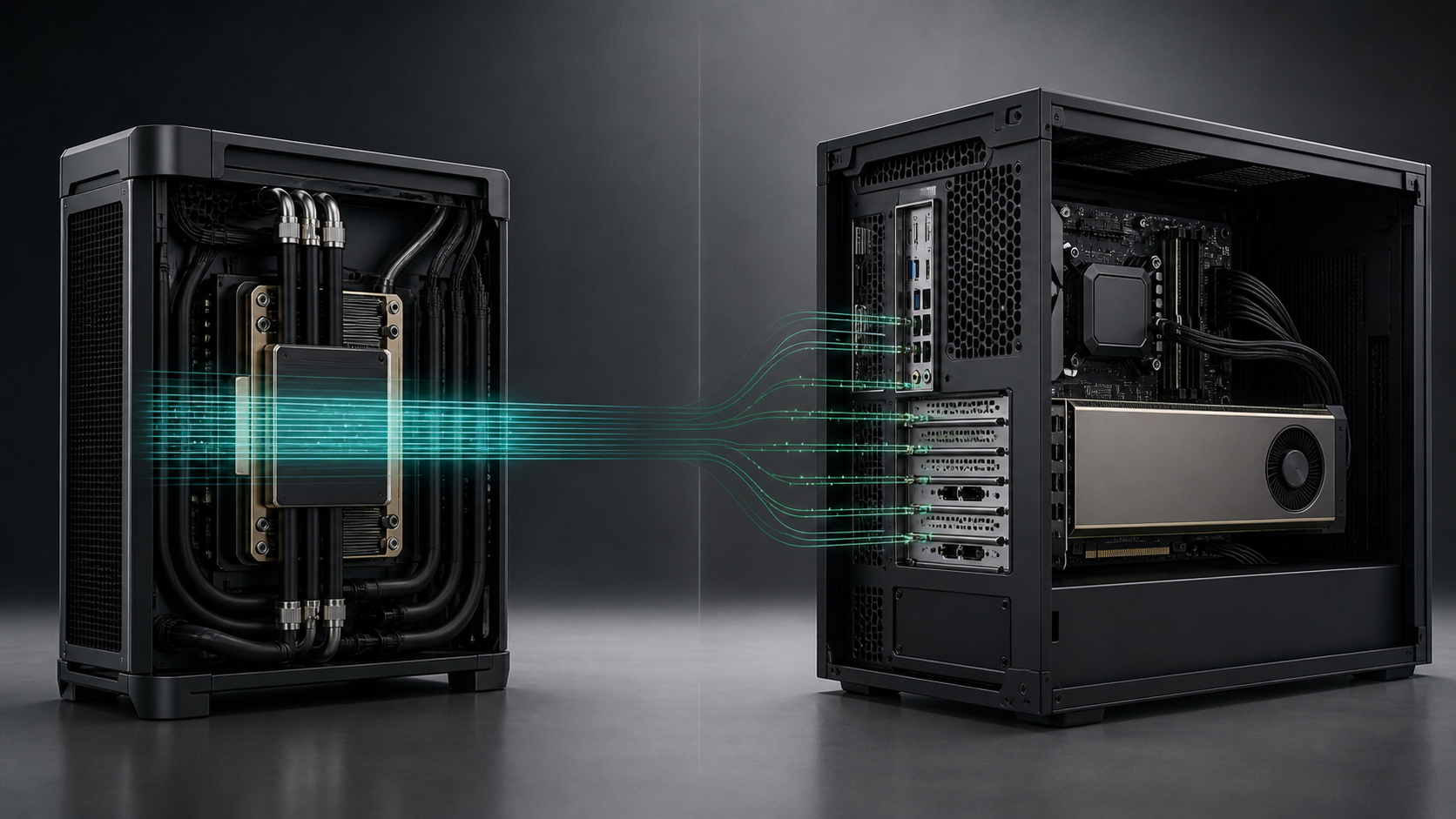
A buyer comparing a GB300 workstation with an RTX PRO 6000 workstation is not choosing between a fast GPU and a faster GPU. The two systems solve different limits. NVIDIA's RTX PRO 6000 Blackwell Workstation Edition is a 96GB PCIe graphics and compute card for an x86 workstation. The GB300 Grace Blackwell Ultra Desktop Superchip is an integrated Arm CPU-GPU platform with 252GB of HBM3e and 496GB of LPDDR5X exposed through a coherent 748GB address space.
If the workload fits comfortably inside 96GB and depends on Windows, certified design software, display output or replaceable PCIe hardware, RTX PRO 6000 is often the cleaner purchase. If a research model repeatedly spills beyond device memory and the software runs on Linux Arm64, GB300 can remove a more expensive problem than the workstation itself: splitting, offloading or renting a remote multi-GPU node every time the full model is needed.
GPUMachines can configure both routes. Start with the GB300 tower workstation range, including the GIGABYTE W775-V10-L01 and MSI XpertStation WS300, then compare it with current RTX PRO workstation options using the real application and model footprint.
Direct Recommendation
Choose a GB300 workstation when:
- one large AI working set is the main job;
- 96GB of dedicated GPU memory is a recurring barrier;
- coherent CPU-GPU access matters more than PCIe modularity;
- the team develops for Grace Blackwell or Arm-based NVIDIA systems;
- dual 400Gb/s networking has a defined role;
- Linux and Arm64 compatibility have been proven.
Choose an RTX PRO 6000 workstation when:
- 96GB is enough for the active GPU working set;
- the user needs rendering, ray tracing, video engines or several displays;
- Windows or x86-only applications are mandatory;
- a high-frequency Threadripper PRO or Xeon W host is important;
- storage, NICs and specialist cards need more modular expansion;
- the workstation must support a broad professional-software estate.
Do not buy either as a substitute for an HGX server if the actual requirement is sustained eight-GPU training, NVSwitch scale-up or a production service for many users.
The Comparison in One Table
| Area | GB300 workstation | RTX PRO 6000 workstation | | --- | --- | --- | | Architecture | Grace Arm CPU and Blackwell Ultra GPU joined by NVLink-C2C | x86 CPU plus PCIe 5.0 RTX PRO GPU | | GPU-local memory | 252GB HBM3e | 96GB GDDR7 with ECC per card | | Wider memory model | 496GB LPDDR5X plus HBM3e in a coherent address space | Separate system RAM and GPU memory; managed-memory behaviour depends on software | | Published GPU memory bandwidth | Up to 7.1TB/s for HBM3e | 1,792GB/s for GDDR7 | | CPU choice | Fixed 72-core Grace Arm CPU | Broad AMD or Intel workstation CPU choice | | GPU count | One integrated Blackwell Ultra GPU; supported systems may accept a separate display GPU | One to four RTX PRO GPUs depending on chassis, lanes, power and card type | | Graphics | AI-first integrated platform; optional display GPU on supported systems | Native professional graphics, four DisplayPort 2.1 outputs and RT/video engines | | Software base | DGX OS or Ubuntu 24.04, Arm64 | Windows or Linux on x86, application-dependent | | Networking | Two 400Gb/s QSFP ports plus 10GbE on current GB300 towers | Configurable NICs using PCIe lanes and slots | | Typical reason to buy | Large-model capacity and CPU-GPU coherence | Application compatibility, graphics and modular workstation design |
The bandwidth figures above come from NVIDIA and describe different memory domains. They should not be used as a direct application benchmark. No GPUMachines benchmark claim is being made.
Where GB300 Can Be Better
The model does not fit in 96GB
This is the clearest case. RTX PRO 6000 provides 96GB of GDDR7. That is a large amount for a workstation GPU, but modern language, multimodal and scientific AI workloads can exceed it once weights, KV cache, activations, runtime workspace and other models are counted.
A buyer can add more RTX PRO cards, but separate cards do not automatically create one simple memory pool. The application may need tensor parallelism, explicit sharding or peer-to-peer movement. Chassis, lane allocation, PSU capacity and cooling also constrain the practical GPU count. NVIDIA offers a 300W Max-Q version for denser configurations, but GPU memory remains 96GB per card.
GB300 presents a different option: one Blackwell Ultra GPU with 252GB of HBM3e and hardware-coherent access to 496GB of Grace memory. For supported workloads, this can be easier than dividing a model across two or four PCIe devices. "Easier" does not mean every byte performs like HBM, but it can remove the first capacity wall.
CPU preprocessing and GPU execution share large structures
Data science pipelines can spend time copying, staging and reshaping data before GPU kernels run. NVLink-C2C and hardware coherence give software a closer relationship between the Grace CPU and Blackwell GPU than a conventional PCIe add-in card.
The gain depends on the code. A pipeline that already fits in GPU memory and performs few transfers may see little benefit from the larger address space. A pipeline with irregular access to large shared structures may gain more. Profile memory traffic and wall-clock stages rather than inferring an answer from connector bandwidth.
The workstation is a development target for the data centre
Teams building for Grace Blackwell rack systems can use a GB300 tower as a local architecture match. It provides Arm Neoverse V2, Blackwell Ultra, NVLink-C2C and ConnectX-8 in a desk-side form. Software can be built, profiled and debugged before moving to cloud or data-centre systems.
An RTX PRO workstation is a fine CUDA development machine, but it does not reproduce the Grace CPU or coherent memory behaviour. Which match matters depends on the production target.
High-speed networking is part of the workstation role
Current GIGABYTE and MSI GB300 designs include two 400Gb/s QSFP ports through ConnectX-8. A laboratory can connect a station to fast shared storage or another system without consuming ordinary expansion slots for the primary fabric.
That is valuable only when the surrounding design exists. A 400Gb/s port attached to a 10Gb/s storage path is an expensive ornament. Validate protocol, optics, cable length, switch ports, storage targets and the software transport.
Where RTX PRO 6000 Can Be Better
The job mixes compute and professional graphics
RTX PRO 6000 is built for professional graphics as well as AI. NVIDIA specifies four DisplayPort 2.1 outputs, fourth-generation RT cores, four NVENC and four NVDEC engines, and support for graphics APIs. A designer or engineer can use one system for interactive visualisation, ray-traced rendering, video and CUDA work.
GB300 is AI-first. Supported systems may accept an RTX PRO card for display and graphics, but that creates a mixed-coherency system with separate GPU selection and memory behaviour. NVIDIA's DGX Station guide explicitly tells developers to select the compute and graphics device correctly. If the job is primarily CAD, DCC or visual effects, an RTX PRO workstation is usually more direct.
Software compatibility matters more than memory capacity
The RTX PRO route can use an x86 workstation with Windows or Linux. That covers a much larger body of commercial and internal software. Certified application matrices, plug-ins, licence services, monitoring agents and specialist PCIe cards are more likely to have a familiar path.
GB300's Grace CPU is Arm64. Many modern AI frameworks support Arm, but proprietary scientific applications, compiled Python wheels and hardware drivers may not. NVIDIA publishes porting guidance for a reason. If a required binary cannot run or be rebuilt, the memory advantage is irrelevant.
The workstation needs CPU flexibility
Scientific work can be CPU-heavy before or after GPU execution. A conventional workstation can be specified with AMD Threadripper PRO, Intel Xeon W or another host chosen for core count, frequency, memory channels and PCIe lanes. It may hold much more replaceable system RAM and several local drives.
GB300 fixes the CPU at 72 Grace cores and the main memory at the platform design. That balance is sensible for its target, but it cannot be tuned around a CPU-only solver or a licence priced per core. A benchmark of the real CPU stage is necessary.
Several independent jobs are more useful than one large job
Two or four RTX PRO GPUs can serve separate users or independent tasks. NVIDIA also specifies Multi-Instance GPU support for the RTX PRO 6000, subject to software and deployment support. A laboratory running many medium-sized jobs may value isolation and aggregate concurrency more than one 748GB coherent space.
GB300 can host more than one process, but it still has one integrated compute GPU. Scheduling and memory contention need management if several researchers share it.
How Many RTX PRO 6000 GPUs Equal a GB300?
There is no defensible one-number answer. Four 96GB cards provide 384GB of aggregate GPU memory, but that is four memory domains. The GB300 workstation provides 252GB of HBM3e plus coherent access to 496GB of CPU-attached memory. The systems also differ in CPU architecture, graphics, interconnect, tensor throughput, power allocation and software.
Ask two narrower questions:
1. Can the application divide its work efficiently across multiple PCIe GPUs? 2. Does the working set need one address space, or can independent GPUs hold separate parts?
If the code has mature multi-GPU scaling, several RTX PRO cards may offer attractive throughput and concurrency. If sharding is the main source of engineering effort, GB300's coherent capacity may be the better resource even with one GPU.
Scientific Workstation Scenarios
For a wider workload-first assessment, the GB300 workstation guide for scientific computing covers coherent-memory behaviour, Arm64 porting, storage and laboratory operations.
Large language and multimodal model research
GB300 is favoured when model capacity is the first constraint. Long context, multiple resident models and conversion work can use the large address space. RTX PRO is favoured when the model fits and the user also needs desktop graphics, Windows tools or modular upgrades.
Molecular modelling, CFD and numerical simulation
Do not decide from the AI memory figure. Check the solver's GPU backend, supported precision, Arm64 status, MPI stack and licence terms. Some codes will favour an established x86 plus RTX PRO environment. Others may be ported specifically to Grace Blackwell and benefit from coherence.
Medical imaging and sensitive research data
Both systems can keep data local. GB300 can hold larger models and datasets near the compute path, while RTX PRO can fit established clinical or imaging software more easily. Governance, encryption, access control and backup are system-level decisions, not GPU features.
Rendering and engineering visualisation
RTX PRO 6000 is normally the right baseline because the card is built for graphics, displays and professional application support. GB300 may assist AI components in a wider physical-AI or simulation workflow, especially in systems that add an RTX PRO display GPU, but it should not be bought as a generic replacement for a graphics workstation.
Local inference service for a research group
GB300 can be useful when one large model needs to remain resident and latency from the local network matters. RTX PRO can be better for several smaller services or when the operational team already runs x86 CUDA hosts. A rack server remains preferable where redundant power, remote servicing and high availability are required.
Configuration Checks Beyond the GPU
Storage
Current GB300 workstations provide four M.2 positions, with two Gen5 paths from the CPU and two Gen6 paths through ConnectX-8. RTX PRO workstations vary widely and can provide more M.2, U.2/U.3 or SATA capacity. Size active model storage, scratch, checkpoints and backups separately. Do not place irreplaceable research data only on fast local NVMe.
Power and heat
NVIDIA specifies 600W maximum board power for RTX PRO 6000 Workstation Edition. A full workstation adds CPU, memory, storage and cooling demand. Current GB300 towers use 1600W-class supplies and liquid cooling. Measure the complete system, not the GPU label, and check the room under sustained load.
Networking
GB300 includes unusually fast networking, while an RTX PRO workstation can be fitted with an appropriate NIC if slots and lanes permit. A 100, 200 or 400Gb/s adapter needs a matching fabric and storage path. Ordinary office Ethernet can still be sufficient for an isolated user with local data.
Management
Both platforms can become shared resources. Define remote console access, user isolation, driver ownership, container policy, monitoring and patch windows. If the workstation is expected to provide a service, compare it with a rack system before purchase.
Who Should Not Buy GB300?
Do not buy GB300 when the sales case is only that 748 is a larger number than 96. The address space is not all HBM, the CPU is Arm, and one integrated GPU does not reproduce a multi-GPU server. A conventional workstation can be less expensive to integrate and more useful across a mixed software estate.
Avoid it for Windows-only or x86-only scientific applications unless the vendor publishes a supported route. Avoid it for graphics-led work where display and ISV certification matter. Avoid it for intermittent experiments that can be run in the cloud without long data transfers or queue friction.
Who Should Not Buy RTX PRO 6000?
Do not keep adding PCIe GPUs to solve a model-fit problem that the software cannot shard well. Aggregate VRAM on four cards is not automatically one pool. If researchers spend days changing quantisation or offload settings merely to load the working model, the GB300 architecture deserves a test.
RTX PRO is also a poor substitute for HGX when the workload needs tight eight-GPU scale-up. Use the RTX PRO 6000 PCIe versus HGX guide for that boundary.
A Practical Proof-of-Concept
Run the same research task on both candidate architectures and record:
- time to prepare and load the data;
- peak HBM, system and coherent-memory use;
- wall-clock time to the first useful result;
- throughput after warm-up;
- CPU-only stage time;
- storage reads and writes;
- software changes required;
- power and room constraints;
- administrator time;
- whether another user can work at the same time.
The winning system is the one that completes the weekly research loop with the least friction at acceptable cost. Peak TOPS do not measure that loop.
FAQ
Is GB300 faster than RTX PRO 6000?
It depends on the operation, precision, model fit and software. GB300 has a different integrated architecture and much larger coherent capacity. RTX PRO 6000 is a PCIe professional graphics and compute GPU. No general speed claim should replace workload testing.
Does 748GB coherent memory equal 748GB of VRAM?
No. It combines 252GB of HBM3e and 496GB of LPDDR5X. Coherence allows a shared address space, but the memory regions retain different performance characteristics.
Can I add RTX PRO 6000 to a GB300 workstation?
Current GIGABYTE and MSI designs publish PCIe expansion, and GIGABYTE lists supported RTX PRO display options. Confirm the exact card, power, cooling, driver and chassis support in the final quote. The added PCIe GPU is not hardware-coherent with the GB300 pool.
Which is better for CAD and rendering?
RTX PRO 6000 is normally the stronger fit because it provides professional graphics outputs, RT cores, video engines and an established x86 workstation software path.
Which is better for very large local language models?
GB300 is often the more interesting candidate when the model exceeds 96GB and can use the coherent memory architecture. Precision, context, runtime and Arm64 support still need proof.
Should we buy four RTX PRO GPUs instead?
Only if the application scales across them and the workstation can power, cool and feed them. Four separate GPU memories do not behave like one coherent pool.
Verdict
GB300 is the stronger scientific AI workstation when memory fit and CPU-GPU data movement dominate the decision. RTX PRO 6000 is the stronger general professional workstation when compatibility, graphics, modularity and mixed workloads dominate.
The most expensive mistake is to buy GB300 for software that cannot run on Arm64. The second is to buy an RTX PRO workstation and discover that its 96GB device-memory boundary forces the team back to cloud or multi-GPU engineering for every important experiment.
GPUMachines can review the model footprint, software dependencies, storage path and facility before configuring a GIGABYTE W775-V10-L01, MSI XpertStation WS300 or RTX PRO platform.
Sources and Further Reading
- NVIDIA RTX PRO 6000 Blackwell Workstation Edition specifications
- NVIDIA RTX PRO 6000 Blackwell family overview
- NVIDIA DGX Station development guide
- NVIDIA DGX Station mixed coherency guidance
- NVIDIA guidance on selecting a GPU in mixed GB300 and RTX PRO systems
- GIGABYTE W775-V10-L01 product page
- MSI XpertStation WS300 platform page
Specifications were checked on 17 August 2026. Performance and compatibility are configuration and workload dependent. GPUMachines has not claimed a physical benchmark comparison between the platforms.