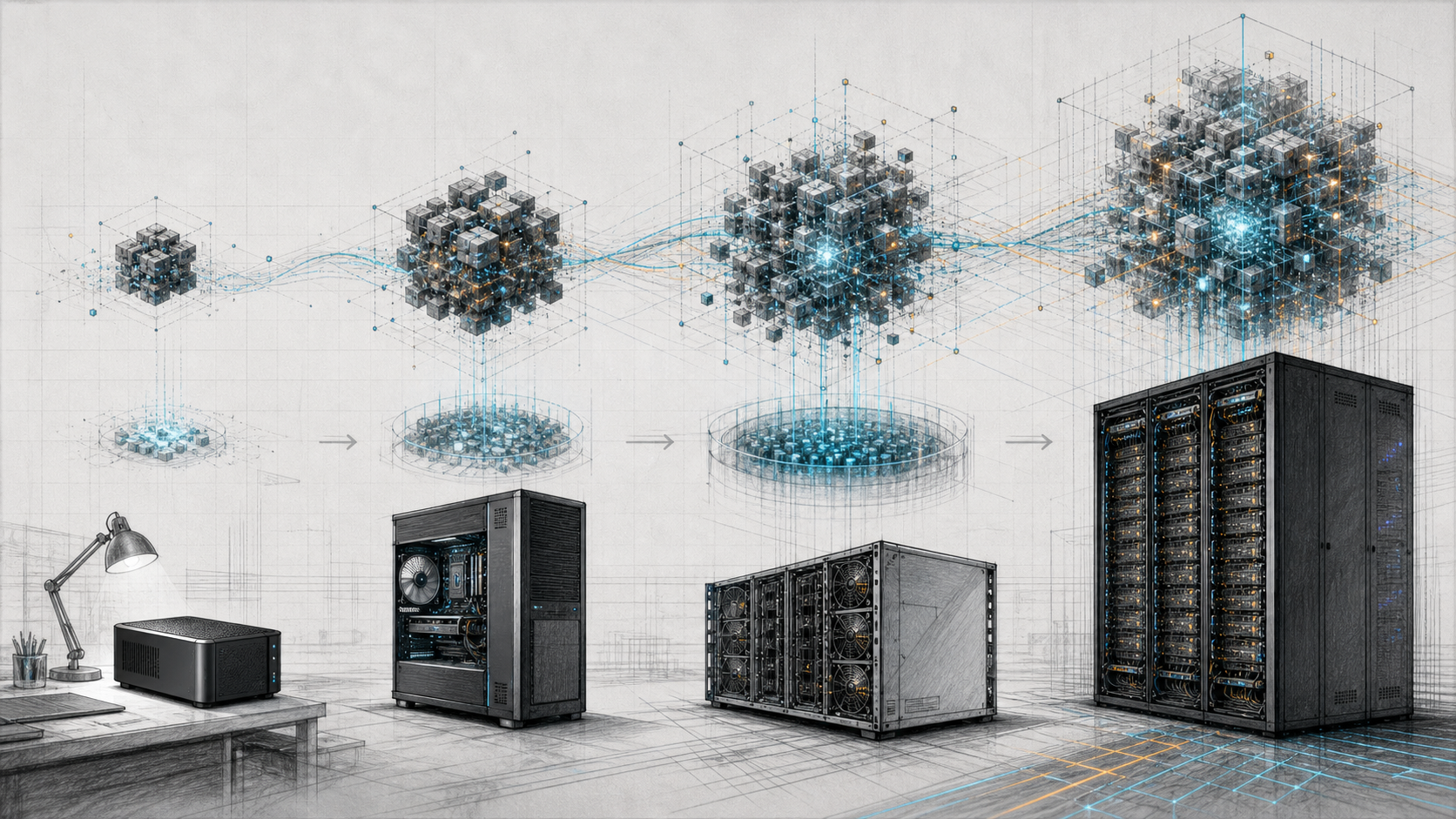
The best first local model is rarely the largest one a machine can load. It is the smallest checkpoint that passes your task test, responds quickly enough and leaves memory for the context and users you actually need.
That rule prevents two common purchases: a workstation that spends most of its time waiting for an oversized model, and a large server bought before anyone has agreed what “good enough” means.
This guide maps current open-weight model families to broad GPUMachines memory classes. It is a shortlist, not a performance guarantee. Check the exact checkpoint, licence, quantisation and runtime before ordering hardware.
Pick the task before the model
“We want a local LLM” is not yet a workload. Choose one first task:
- private document question answering;
- code assistance;
- summarisation and drafting;
- image-and-text analysis;
- structured extraction;
- tool-calling agent development;
- an internal API used by several applications.
Build a small evaluation set from real inputs. Include normal cases, awkward cases and questions the system should decline. Decide who scores the answers and how much delay users will accept.
Only then compare models. A 4B or 8B model may be enough for extraction or a narrow assistant. A 20B–32B model often gives a more capable development target without forcing a multi-GPU platform. A 70B-class or large MoE model may improve difficult work, but it also raises memory, latency and operating demands.
Model families worth shortlisting
The examples below are available for local or self-hosted use from their publishers. “Open-weight” does not mean that every family uses the same licence.
| Family | Useful starting sizes | What makes it interesting | First check | |---|---|---|---| | Gemma 3 | 1B, 4B, 12B, 27B | Text and image input on the 4B–27B models; compact range | Google’s Gemma terms and the exact multimodal runtime | | Qwen3 | 0.6B to 32B dense; 30B-A3B and 235B-A22B MoE | Wide size range and official local-runtime guidance | Select thinking/non-thinking behaviour and supported context | | gpt-oss | 20B and 120B MoE | Reasoning, tool use and natively MXFP4-quantised releases | Harmony prompt format, English-heavy training and usage policy | | Llama 4 | Scout and Maverick MoE | Native image-and-text input and large published context limits | Meta licence, runtime support and real context-memory use | | DeepSeek-V3 | 671B total, 37B active | Very large MoE model with official distributed deployment paths | Full checkpoint placement and multi-node operating cost | | Kimi K2 | 1T total, 32B active | One-trillion-parameter MoE model aimed at large-scale reasoning and tool use | Roughly 500 GB bare four-bit weight arithmetic before overhead |
The list is not a ranking. It gives a beginner several sensible rungs instead of one enormous download.
Start small: roughly 16–32 GB of accelerator memory
This class suits one developer, private experiments and applications that can use compact models.
OpenAI says gpt-oss-20b can run within 16 GB of memory in its supplied MXFP4 format. Qwen3 provides dense models from 0.6B through 14B that can be tested in several local runtimes. Gemma 3 provides 1B, 4B and 12B options, with the larger two supporting image input according to Google’s model card.
Do not assume every 20B model fits because gpt-oss-20b does. Its native quantisation and architecture are part of that memory statement. A BF16 20B dense checkpoint would require roughly 40 GB for weights alone.
Good first workloads include:
- document classification and extraction;
- a single-user coding or writing assistant;
- retrieval experiments with modest context;
- local tool-calling development;
- model comparison before a larger purchase.
A discrete-GPU tower workstation is the natural route when GPU choice, storage and expansion matter. If the main requirement is a compact private AI workbench, compare the small-form-factor local LLM systems.
A larger single GPU: around 48–96 GB
This class provides more room for 32B models, selected quantised 70B checkpoints and gpt-oss-120b.
OpenAI states that gpt-oss-120b fits within 80 GB in its native format. Qwen3-30B-A3B is much smaller in total weight count, while the dense Qwen3-32B is straightforward to reason about but uses all of its dense model path. Selected 70B dense models may fit at four-bit precision, though the real checkpoint, context and runtime allocations decide whether 48 GB is enough or a 96 GB card is the safer target.
This is where the distinction between “loads” and “serves” becomes commercially important. A 96 GB GPU can hold a model that just fits in 80 GB while leaving some room for cache. It may still be insufficient for the maximum context and several simultaneous requests.
For the hardware trade, see H100 versus RTX PRO 6000 Blackwell for LLM inference. RTX PRO 6000 Blackwell’s 96 GB capacity can suit local or PCIe inference deployments; H100 belongs to a data-centre platform with different memory bandwidth, support and interconnect choices.
Compact unified-memory systems: 128 GB
Systems such as NVIDIA DGX Spark, ASUS Ascent GX10, GIGABYTE AI TOP ATOM and MSI EdgeXpert use the GB10 Grace Blackwell platform with 128 GB unified memory in the current GPUMachines catalogue.
That pool can accommodate models larger than the VRAM on many conventional desktop cards, subject to system reservations and software support. It is attractive for developers who value a compact device, known local-AI stack and the ability to experiment with larger quantised checkpoints without installing several discrete GPUs.
The trade is not captured by memory capacity. An 80 GB H100 and a 128 GB compact unified-memory system have different bandwidth, power, cooling and deployment roles. The NVIDIA DGX Spark review explains why the compact device is a development workbench rather than a substitute for a shared inference server.
Use this class for:
- private model evaluation and agent development;
- larger single-user checkpoints;
- local fine-tuning experiments supported by the software stack;
- moving a project from a laptop to a controlled AI workbench.
Move to a server when many users, redundant operation, multiple resident models or remote administration become the normal workload.
High-capacity coherent-memory workstations: hundreds of GB
GPUMachines lists the W775-V10-L01 GB300 workstation and MSI XpertStation WS300 with 748 GB of coherent memory. This class changes which very large quantised checkpoints can be explored on one desk-side system.
The arithmetic for a one-trillion-parameter model at exactly four bits per weight is about 500 GB before format and runtime overhead. A 748 GB coherent-memory platform therefore enters the capacity discussion for Kimi K2-class experiments in a way a normal workstation does not.
That statement needs several caveats:
- the exact checkpoint may use more than four effective bits per parameter;
- the operating system and runtime cannot hand every advertised gigabyte to model weights;
- KV cache, buffers and context still consume memory;
- the runtime must support the architecture and device;
- fitting one sequence does not prove useful production concurrency;
- generation speed must be measured, especially when the model is memory-bandwidth bound.
Read the W775-V10-L01 technical review for the product boundary. This class makes sense for researchers and development groups whose work benefits from one very large coherent memory pool and local access. It may be a poor buy for a shared service that needs several replicas, maintenance without downtime or rack-scale network and storage integration.
Multi-GPU PCIe servers
A PCIe GPU server can hold several independent model replicas, assign different models to different GPUs or distribute a supported model across devices.
It is a good fit when:
- several teams need separate endpoints;
- embeddings, reranking, speech, vision and generation run beside one another;
- a service needs replicas for throughput or maintenance;
- the model’s communication pattern is acceptable over the selected PCIe topology;
- professional or data-centre GPU choices must remain flexible.
Adding the VRAM figures is not enough. Confirm which GPUs share PCIe switches or CPU sockets, whether peer-to-peer transfers are supported, how NUMA placement is handled and whether the serving engine implements the chosen parallel method.
For independent replicas, PCIe often makes sense. For one tightly coupled model that communicates heavily on every step, compare HGX before fixing the design.
HGX systems and clusters
An HGX server provides a scale-up GPU complex using high-bandwidth NVIDIA interconnects. It is aimed at workloads where several accelerators must work as one system, including large-model inference, fine-tuning and training.
This is the more credible starting point for large DeepSeek-V3 deployments, high-concurrency services and models whose parallel placement depends on fast GPU-to-GPU communication. The full deployment may still need several nodes, high-speed scale-out networking and shared model storage.
Do not jump to HGX because the model name is large. If the application can use a smaller model or independent replicas on PCIe GPUs, the simpler system may cost less and be easier to operate. If demand is intermittent, hosted capacity may be the better first step.
The GPU Cluster Configurator can map node count, fabric and rack assumptions after a single-node test establishes the model’s memory and communication pattern.
A first-model shortlist by task
| Task | Start here | Move up only when… | |---|---|---| | Basic extraction or classification | Gemma 3 1B/4B or Qwen3 4B/8B | Real evaluation errors remain after prompt and data fixes | | Private chat with retrieval | Qwen3 8B/14B, Gemma 3 12B or gpt-oss-20b | Grounding, reasoning or language quality misses agreed thresholds | | Local coding and tool use | gpt-oss-20b or a suitable Qwen3 instruct model | Repository scale, reasoning quality or concurrency requires more | | Image-and-text assistant | Gemma 3 4B/12B/27B or Llama 4 Scout | Visual accuracy and context tests justify the larger checkpoint | | Larger reasoning service | gpt-oss-120b, a 70B-class model or Qwen3-235B-A22B | Measured quality gain is worth the memory and response-time cost | | Very large MoE research | DeepSeek-V3 or Kimi K2 | The team has validated runtime, placement, storage and operating budget |
The table names starting points, not winners. Test at least one smaller alternative. Record why the larger model earns its cost.
Runtime choice matters
The model publisher may recommend several runtimes. Qwen lists Ollama, LM Studio, llama.cpp and KTransformers for local use, with vLLM and SGLang for deployment. OpenAI names support from Transformers, vLLM, Ollama, llama.cpp and LM Studio among other partners for gpt-oss.
For a beginner:
- a desktop application or Ollama can make a single-user trial quick;
- llama.cpp is useful for GGUF models and CPU/GPU offload experiments;
- Transformers gives Python users direct access to model APIs;
- vLLM or SGLang is more natural for a shared API, batching and production serving.
Runtime support changes. Check the exact model revision, required parser or chat template, GPU backend and known limitations. A model that downloads successfully can still produce poor output when the wrong prompt format is used.
The pilot GPUMachines should size
Bring the following information to a hardware discussion:
1. Exact model repository and checkpoint revision. 2. Licence approved for the intended use. 3. Quantisation and runtime. 4. Representative prompt and output lengths. 5. Expected simultaneous sequences. 6. Measured peak memory, time to first token and generation speed from any available test system. 7. Whether the machine is for development, fine-tuning or a production endpoint. 8. Data location, storage and network requirements. 9. An acceptable smaller model and a hosted alternative.
With those inputs, GPUMachines can compare a compact system, tower workstation, PCIe server, HGX node or Buy & Host deployment without pretending that parameter count alone specifies the system.
Questions beginners ask
Which model should I install first?
Choose a current 4B–20B instruction-tuned model with a licence that fits your use. It will expose the application and evaluation work without making hardware capacity the first problem.
Can I run ChatGPT locally?
ChatGPT is a hosted OpenAI product. OpenAI’s gpt-oss models are separate downloadable open-weight models that can run locally. They do not turn a local machine into ChatGPT.
Is Ollama or LM Studio the model?
No. They are runtimes or applications that download and run model checkpoints. The model family, checkpoint and licence remain separate choices.
Should I buy for the model I use today or the largest future model?
Buy enough margin for a credible roadmap, not every possible release. A staged workstation or hosted pilot can be cheaper than guessing at a large server before workloads are proven.
Can GPUMachines install local-model software?
GPUMachines can discuss a configured AI system and the intended software stack during quotation. The final scope should name the operating system, runtime, model, security boundary, testing and support responsibility rather than promising a vague “AI-ready” image.
Sources and Further Reading
- Google: Gemma 3 model card
- Qwen Team: Qwen3
- OpenAI: Introducing gpt-oss
- Meta: Llama 4
- DeepSeek: DeepSeek-V3 repository and model summary
- Moonshot AI: Kimi K2 model card
- Hugging Face Transformers: Loading large models
The practical answer
Start with a model small enough to test properly. Increase size only when a larger checkpoint fixes a measured task failure and still meets the memory, context and response-time target.
GPUMachines can then put that evidence against the right physical shape: a compact local device, expandable tower, coherent-memory research workstation, shared PCIe server, HGX system or dedicated hosted platform.