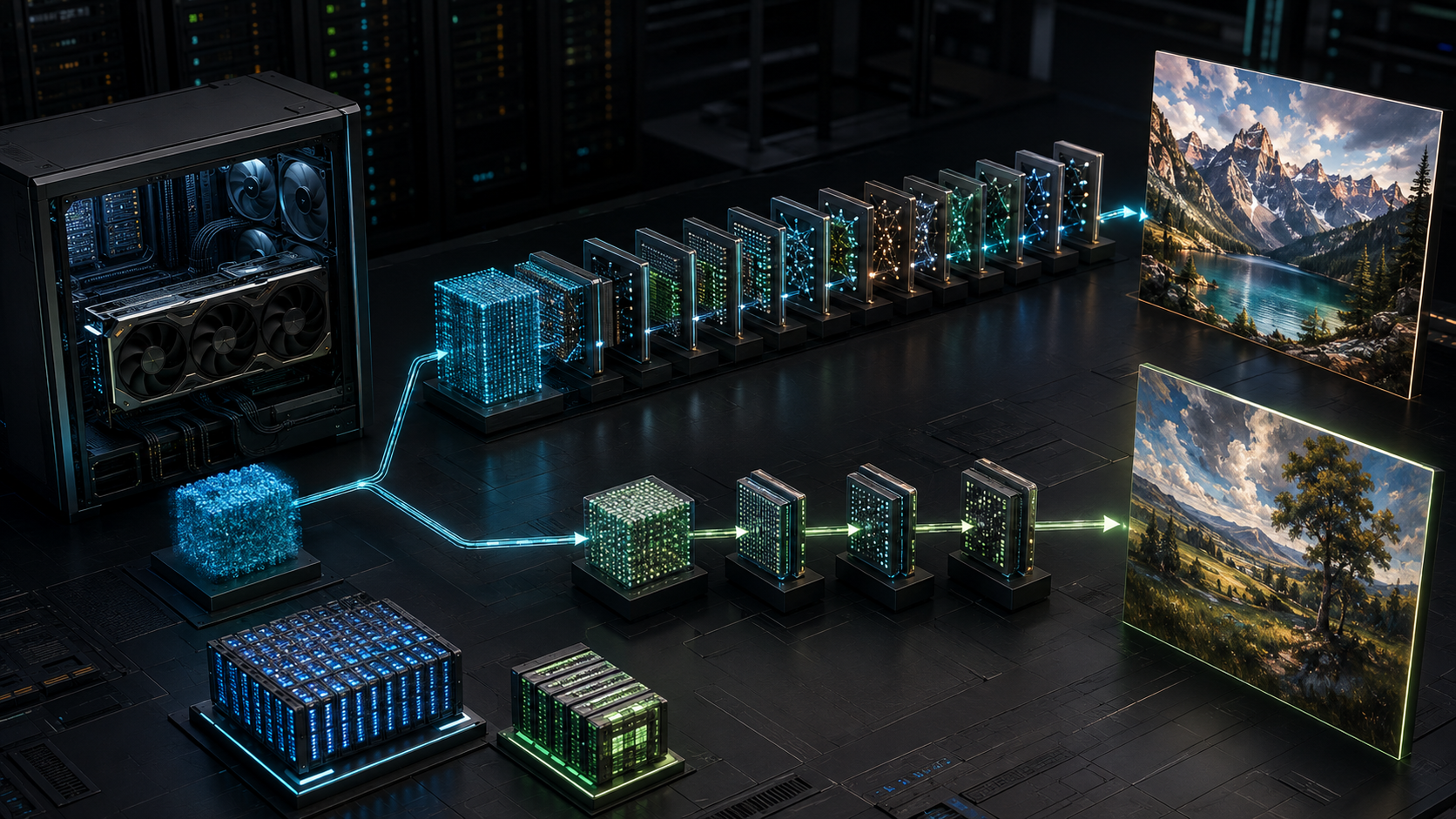
LLaDA-Image is described as a 6-billion-parameter model, yet that number is not a shopping list for GPU memory. It refers to the Diffusion Transformer in a wider image pipeline. The repository does not publish a minimum VRAM figure, and its example loads the complete pipeline on a CUDA device. Buying a GPU from the 6B label alone would be guesswork.
There are four checkpoints to consider: Base and Turbo, each offered in BF16 and FP8. Base is the 50-step quality path. Turbo is a distilled checkpoint intended to produce images in four recommended steps, with the authors describing a two-to-four-step range. FP8 can reduce the storage and memory used by quantised weights, but it does not promise half the total VRAM or twice the speed for the complete application.
This guide turns those distinctions into a hardware evaluation plan. It does not claim a tested minimum, because the project has not supplied one and GPUMachines has not independently benchmarked the release.
The decision in one table
| Choice | What changes | What does not automatically change | Best first use | | --- | --- | --- | --- | | Base BF16 | 50-step reference path using BF16 in the published example | The complete pipeline still includes more than the 6B DiT | Quality baseline and controlled evaluation | | Base FP8 | Lower-precision checkpoint for the Base model | It is still a 50-step workflow and output parity must be checked | Memory-constrained quality testing | | Turbo BF16 | Distilled model with four recommended sampling steps | Fewer steps do not prove a smaller resident model | Interactive generation and editing trials | | Turbo FP8 | Distillation plus an FP8 checkpoint | End-to-end speed and quality still depend on GPU support and kernels | Testing the smallest practical single-GPU path |
For a buyer, the order is straightforward. Test Turbo FP8 on the smallest GPU already available. If it fits and output quality passes the team's review, measure throughput and keep it. If it fails on memory or quality, move to more VRAM or BF16. Use Base BF16 as the comparison point rather than assuming it is the production choice.
What was released
The InclusionAI team released LLaDA-Image Base and Turbo checkpoints with Diffusers-based inference code on 4 September 2026. The model family supports text-to-image generation, VQ-conditioned generation and reference-image editing. The project also claims Chinese and English text rendering.
The paper describes a 6B Diffusion Transformer trained from scratch alongside a frozen vision-language understanding module based on the LLaDA2.0-Mini diffusion language model. This matters for hardware sizing. A pipeline can load the DiT, the frozen understanding module, text or token components, a decoder, schedulers and temporary activation buffers. Only one part carries the headline 6B label.
The repository's current model table lists:
- LLaDA-Image Base in BF16 and FP8, with 50 sampling steps;
- LLaDA-Image Turbo in BF16 and FP8, with four recommended steps;
- the same generation and editing modes for both model families.
The example environment uses Python 3.11, PyTorch 2.8, Transformers 4.57.6 and Diffusers 0.39.0. Its code loads the model with device="cuda". That makes an NVIDIA GPU the documented starting route at release. It does not prove that every NVIDIA generation or every FP8 mode will perform equally, and it does not provide a multi-GPU recipe.
The Hugging Face pages label the checkpoints Apache 2.0. The project repository says inference code and model weights are available while training code is marked "coming soon" in its open-source plan. The paper's abstract says training code and recipes are released. Buyers and researchers should check the repository state rather than relying on the broader paper statement, because release assets can change quickly.
Why 6B is not the VRAM requirement
Parameter arithmetic provides a lower bound for one component:
- 6 billion parameters at 16 bits require about 12 GB for raw weights;
- 6 billion parameters at 8 bits require about 6 GB for raw weights.
Those decimal estimates use two bytes per BF16 parameter and one byte per 8-bit parameter. They do not include quantisation scales, metadata, the frozen vision-language module, any text encoder or VQ component, the image decoder, CUDA context, framework allocations, activations, attention workspaces, input images or output buffers.
The gap between raw DiT weight storage and peak application allocation can be substantial. Resolution increases activation and latent sizes. Reference-image editing adds an input image path. VQ-conditioned generation uses the LLaDA2 model to produce image tokens before diffusion. Batch size multiplies parts of the working set. Library versions and attention implementations can change allocation patterns.
This is why no responsible hardware guide should state that LLaDA-Image "needs 12 GB" or "runs on a 16 GB GPU" from the parameter count. It may be possible to make a constrained configuration work through FP8, CPU offload or sequential loading. That is different from a supported, repeatable single-GPU deployment.
Our GPU memory guide for local AI explains the same principle for language models. The important habit is identical: size the complete runtime, not the label on one set of weights.
Base versus Turbo: speed comes from fewer denoising steps
Diffusion image generation refines a latent representation across a sequence of sampling steps. LLaDA-Image Base uses 50 steps in the project example. Turbo is distilled with Twin-DMD and uses four recommended steps; the authors describe operation in two to four.
That is a large reduction in repeated model evaluations per image. It gives Turbo a credible latency advantage before any GPU comparison is made. The exact speed-up is not simply 50 divided by four. Setup time, prompt processing, decoding, memory transfers and kernel efficiency remain, and GPU utilisation may change at low step counts.
Turbo should be the first candidate for an interactive application where a user waits for each image or edit. Base belongs in the evaluation set because it provides the project's high-fidelity reference path. Teams should compare both on their own prompts, text rendering, faces, product geometry, reference preservation and editing instructions.
Do not infer that Turbo uses less VRAM merely because it uses fewer steps. Sampling step count mainly changes how often the denoiser runs. The checkpoint and pipeline components still need to be loaded. Peak activations may differ, but the project does not publish enough data to promise a lower memory requirement.
BF16 versus FP8: a checkpoint choice, not a magic switch
BF16 stores each represented weight in 16 bits and is a common inference format on modern accelerators. FP8 stores selected values in eight bits with a smaller dynamic range. In ideal weight-only arithmetic, moving 6B parameters from BF16 to eight-bit storage reduces that component from about 12 GB to about 6 GB.
The full application will not necessarily fall by 6 GB, and it will not necessarily fall by 50 per cent. Components may remain at higher precision. Quantisation metadata takes space. Activations and output buffers can use other formats. The runtime may convert values or keep extra copies. Peak allocation, not checkpoint download size, decides whether the workload fits.
Hardware support also matters. Newer NVIDIA accelerators have stronger FP8 execution support than older cards. A checkpoint can be stored in FP8 while a kernel path still converts, falls back or performs poorly. Confirm that the exact GPU, driver, CUDA, PyTorch and model code combination uses the intended path.
Output quality must be tested rather than assumed. FP8 may be acceptable for one image style and introduce visible errors in another. For a commercial image workflow, build a fixed prompt set and score the results before buying around the lower-precision checkpoint.
Which GPU memory class should you evaluate?
The project has not published a minimum. The following tiers are test routes, not compatibility promises.
24 GB and 32 GB GPUs
This class includes several local workstation and high-end desktop options. Start with Turbo FP8, batch size one and the target resolution. Expect to investigate memory-efficient attention, CPU offload or sequential component loading if the complete pipeline does not fit.
The benefit is low entry cost when the team already owns the GPU. The risk is spending engineering time on a constrained configuration that never becomes stable. A demonstration that produces one image is not yet a useful service. Repeat runs, editing, long prompts and concurrent requests can expose a different peak.
NVIDIA's GeForce RTX 5090 has 32 GB of GDDR7. It is a plausible development card because the official LLaDA example uses CUDA, but 32 GB should not be described as sufficient until the full checkpoint and mode have been measured.
48 GB GPUs
A 48 GB card is a sensible first single-GPU evaluation class for a new 6B image pipeline when no official VRAM requirement exists. It leaves more room for BF16 components, image editing and framework overhead than a 24 or 32 GB card. AMD's Radeon PRO W7900 is a 48 GB option, but the release's documented code path is CUDA, so software porting must be considered. NVIDIA 48 GB professional and data-centre cards fit the documented software route more directly.
The wording matters: 48 GB is a testing recommendation, not a reported requirement. Record actual torch.cuda.max_memory_allocated() and device memory telemetry during Base BF16, Base FP8, Turbo BF16 and Turbo FP8 runs.
96 GB GPUs
NVIDIA's RTX PRO 6000 Blackwell Workstation Edition provides 96 GB of ECC GDDR7. That memory class gives a single process far more room for BF16, higher resolutions, editing and modest batching. It also offers current Blackwell tensor hardware and a professional support position.
The card's 600 W maximum power changes the workstation. Chassis clearance, airflow, power supply, room heat and acoustics need to be specified. A 96 GB GPU is not automatically better value if Turbo FP8 already meets the need on 32 or 48 GB.
Multiple GPUs
Adding a second GPU does not create one automatic pool of VRAM. The model or pipeline must support partitioning, parallelism or separate workers. The release repository shows a single CUDA device and does not provide a documented multi-GPU inference command in its quick start.
Multiple independent workers can still increase throughput if each GPU fits one copy of the model. That is a serving design rather than a memory fix. If one copy does not fit one GPU, confirm a working partition method before ordering a multi-GPU system.
A tower GPU workstation can suit one or two local users and interactive development. The wider GPU server hardware range is usually easier to manage when several GPUs, users, queues or remote services are involved.
Storage, system RAM and CPU still matter
Checkpoint downloads and local model caches can occupy tens of gigabytes even before outputs and test datasets accumulate. Put the active model cache on NVMe rather than a slow network share. Measure cold load time as well as image generation time; a workstation that reloads models frequently can feel slow despite fast inference.
System RAM should cover the checkpoint, CPU-side components, offload, Python process and image assets with margin. If a memory-constrained GPU depends on CPU offload, host memory bandwidth and PCIe transfers become part of every run. The system may fit but miss the latency target.
CPU choice is rarely the main image-generation accelerator, yet it handles Python, tokenisation, image decode and encode, request processing and storage. Avoid starving a high-end GPU with a minimal host. Conversely, do not buy the highest CPU core count without evidence that the pipeline can use it.
For shared production, local NVMe also needs an ownership plan. Decide where models are pinned, how revisions are rolled back, how outputs are retained and how user data is separated. A fast test machine can become an unmanaged repository surprisingly quickly.
A repeatable benchmark plan
Use the four official checkpoint combinations as the matrix. Pin the repository commit and model revision. Record the driver, CUDA, PyTorch, Transformers and Diffusers versions.
Create a prompt set that represents the intended job:
- short and long English prompts;
- Chinese prompts if bilingual rendering matters;
- text-heavy images with exact spelling requirements;
- product forms, hands and faces if those appear in production;
- reference-image edits that must preserve identity or layout;
- the target output dimensions.
For each combination, measure:
- successful cold load and peak VRAM;
- time from request to completed image;
- images per hour after warm-up;
- wall power and temperature during a sustained queue;
- failure rate across repeated runs;
- output quality against the team's acceptance rules;
- memory behaviour during editing as well as text generation.
Keep batch size at one for the first pass. Increase it only after the interactive path is stable. Repeat with two simultaneous requests if the machine will be shared. The fastest single image can be irrelevant when the application serves a queue.
Compare Turbo with Base before comparing GPUs. If Turbo passes the quality threshold, fewer sampling steps may save more time than buying a faster card for the 50-step path. If Base is required for a subset of jobs, route only those prompts to it instead of making every request pay the higher latency.
Local workstation, server or cloud?
A local workstation suits a designer, researcher or small group that needs immediate access and can manage the software. It keeps reference images close and makes visual review easy. It also concentrates the service on one machine, with one power supply, one operating system and limited remote management.
A server suits queues, several users and several GPUs. It can separate workers, centralise model caches and sit on a network designed for remote access. It also brings rack power, cooling, monitoring and access control into the project.
Cloud is useful for a short evaluation because the correct VRAM tier is still uncertain. Test 32, 48 and 96 GB classes, collect peak allocation and throughput, then decide whether to buy. For persistent private work, Buy & Host can keep hardware ownership while moving power, cooling and remote hands into a data-centre operating model.
The purchase should follow measured cost per accepted image, not only seconds per image. Include failed generations, human review, model-loading delay, idle time and the engineering effort required to keep the environment working.
What GPUMachines would specify first
We would not start with a GPU model. We would ask for the chosen LLaDA checkpoint, precision, generation mode, resolution, batch size, users, acceptable wait time and whether reference images contain sensitive data.
For a single-user pilot, a CUDA-capable workstation already on hand is the least expensive proof. Test Turbo FP8 first, then BF16 and Base. For a purchase made before benchmarks exist, 48 GB is the more cautious evaluation class; 96 GB buys more single-GPU margin when editing, higher resolutions or other local models share the system.
For a team service, decide whether each GPU will run an independent model worker. If yes, a flexible PCIe server can scale throughput. If one pipeline must span GPUs, prove the software path first. Do not buy several cards and hope the runtime combines their memory.
The final configuration should include enough system RAM for offload and caching, fast NVMe for checkpoints, a network sized for reference images and outputs, and monitoring for GPU memory, utilisation, temperature and job failures. GPUMachines can compare those requirements across workstations, GPU server hardware and hosted systems.
The buying rule
Choose Turbo when response time matters and its output passes review. Choose Base when it produces a material quality gain for the intended prompts. Choose FP8 to test a smaller memory footprint, then verify both the kernel path and output quality. Choose BF16 when memory allows and the team wants the release's documented reference dtype.
Do not infer VRAM from 6B. Load the complete pipeline and measure it. The first useful hardware decision is not a card name; it is the smallest configuration that runs the chosen checkpoint, mode and resolution repeatedly without offload causing unacceptable delay.
Sources and Further Reading
- LLaDA-Image official GitHub repository
- LLaDA-Image Base BF16 model card
- LLaDA-Image Base FP8 model card
- LLaDA-Image Turbo BF16 model card
- LLaDA-Image Turbo FP8 model card
- LLaDA-Image research paper
- NVIDIA GeForce RTX 5090 specifications
- NVIDIA RTX PRO 6000 Blackwell Workstation Edition specifications