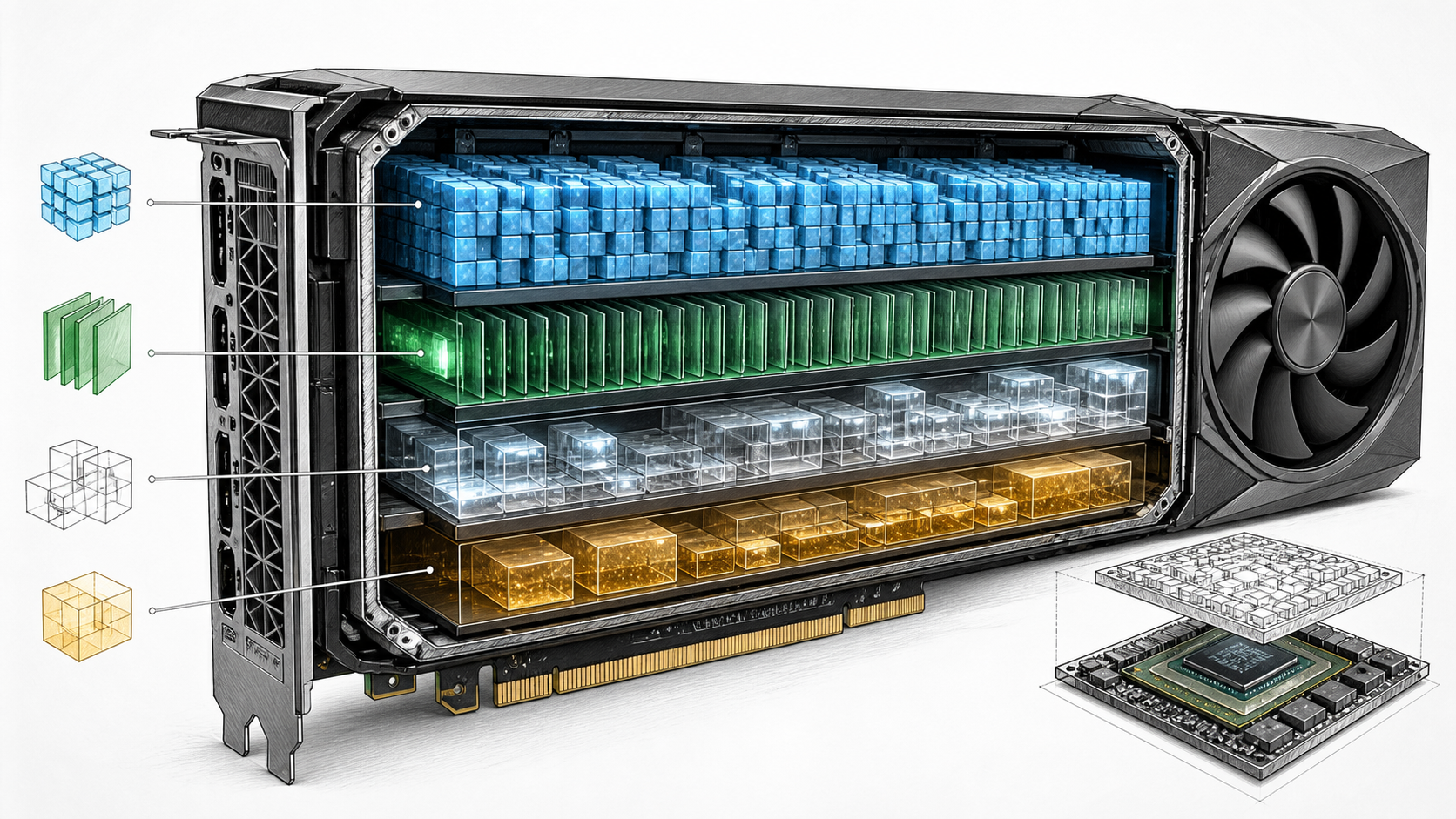
A model file may be 35 GB and still fail on a 48 GB GPU. The missing memory is not mysterious: the runtime needs room for the weights, conversation cache, temporary work and the requests arriving beside yours.
The useful sizing rule is:
required memory = model weights + KV cache + runtime buffers + concurrent-request headroom
That equation is still an estimate. The final check is to load the exact checkpoint with the chosen runtime, context and concurrency, then record peak memory and response performance.
Start with the weight file
For a dense model, the rough weight calculation is:
parameters × bits per weight ÷ 8
This gives the following first-pass figures:
| Parameter count | 16-bit | 8-bit | 4-bit | |---|---:|---:|---:| | 7B | 14 GB | 7 GB | 3.5 GB | | 14B | 28 GB | 14 GB | 7 GB | | 32B | 64 GB | 32 GB | 16 GB | | 70B | 140 GB | 70 GB | 35 GB | | 120B | 240 GB | 120 GB | 60 GB |
Treat these as the bare weight arithmetic. A real quantised checkpoint carries scales, metadata and sometimes tensors stored at another precision. Model names can also use rounded parameter counts.
OpenAI’s gpt-oss models show why the actual model card wins over the simple formula. The company says the natively MXFP4-quantised gpt-oss-20b runs within 16 GB and gpt-oss-120b within 80 GB. Those are more useful starting points than multiplying the names by four bits and assuming the remainder is free.
Add the KV cache
Autoregressive language models generate one token at a time. To avoid recalculating the entire preceding conversation for every new token, the runtime stores key and value tensors from earlier tokens in a KV cache.
Hugging Face’s Transformers documentation describes a cache for each model layer with tensors shaped by batch size, attention heads, sequence length and head dimension. The important buyer fact is that cache memory grows as the sequence gets longer. It also grows when more sequences are processed at once.
This means a model tested with one short prompt can fit comfortably while the same model fails with:
- a long document;
- a large chat history;
- several users at once;
- multiple returned sequences;
- beam search or another memory-hungry generation method.
Some architectures reduce KV-cache size through grouped-query or multi-query attention. Some runtimes can quantise or offload the cache. Do not apply one universal “GB per 1,000 tokens” rule across unrelated models.
Add runtime and compute buffers
Inference engines allocate more than weights and cache. Depending on the stack, this can include temporary tensors, compute workspaces, CUDA graphs, output buffers, kernels and memory reserved by the framework.
The amount changes with model architecture, batch settings, prompt length, quantisation backend and runtime version. A deployment that leaves only a few hundred megabytes after loading the model has no operating margin.
Hugging Face also notes that model loading can briefly need more memory if the application creates a randomly initialised model before loading the checkpoint. Current big-model loading methods avoid keeping two complete copies, but the code path matters. Test startup as well as steady-state generation.
Leave room for concurrent users
One local chat window and a production API are different workloads.
If ten people send prompts together, the server may batch or schedule their sequences. Batching can improve GPU use, but every live sequence needs state. Long prompts and generated answers increase the token pool the runtime must manage.
Capacity should therefore be expressed in service terms:
- maximum input tokens per request;
- maximum generated tokens;
- expected and peak concurrent sequences;
- time-to-first-token target;
- generation-speed target;
- whether requests can queue;
- whether separate models must remain loaded.
Without those numbers, a VRAM figure answers only “can one copy of the weights start?”
A worked 70B example
Suppose a team wants to serve a 70B dense model in a four-bit format.
The bare calculation is:
70 billion × 4 bits ÷ 8 = 35 billion bytes, or about 35 GB in decimal units.
That does not make a 40 GB GPU a safe recommendation. The actual checkpoint may be larger than four bits per weight once quantisation data is included. The runtime still needs KV cache and compute memory. Long context or more than one active sequence may consume the remaining capacity.
A 48 GB GPU may be enough for a specific compact quantisation and modest context, but it needs a measured test. A 96 GB GPU gives more room for cache, less aggressive precision choices or additional requests. More memory does not guarantee better speed; memory bandwidth, kernels and runtime support remain part of the result.
A worked MoE example
Now consider gpt-oss-120b. It has 117B total parameters but only 5.1B active parameters per token. OpenAI supplies the model natively quantised and states that it fits within 80 GB.
The low active count helps the compute path. It does not shrink the checkpoint to the size of a 5.1B model. The full expert pool must remain accessible, so the official 80 GB memory statement is the relevant capacity starting point.
If the service needs a 128K context and several live users, “fits within 80 GB” does not prove that a single 80 GB accelerator meets the service target. Load the planned context, keep realistic sequences active and measure the resulting cache allocation and latency.
Unified memory, VRAM and system RAM
These terms are related but not interchangeable.
VRAM is memory directly attached to a discrete GPU. It usually offers the bandwidth and access pattern the accelerator expects.
System RAM belongs to the CPU. Some runtimes can offload model layers or experts to it, but data transfer between CPU and GPU may reduce generation speed.
Unified or coherent memory gives CPU and GPU a shared or coherent address space in an integrated design. It can make a much larger pool available to the accelerator without treating every transfer like ordinary discrete-GPU offload. Bandwidth, software support and reserved system memory still decide how much of the headline capacity is useful.
The NVIDIA DGX Spark review covers a compact system with 128 GB of unified memory. The W775-V10-L01 GB300 workstation is listed with 748 GB of coherent memory. Neither should be compared with a discrete GPU by capacity alone. The architecture, memory bandwidth, runtime and target workload differ.
What about several GPUs?
Several GPUs can hold one model only when the runtime and model support a suitable parallel placement method. Tensor parallelism divides operations across accelerators. Pipeline parallelism places groups of layers on different devices. Expert parallelism can distribute MoE experts.
The communication path now matters. Eight PCIe GPUs with a large combined VRAM figure are not equivalent to an HGX system with NVLink and NVSwitch when one request must exchange data across devices repeatedly.
Use a PCIe GPU server when independent model replicas, separate services or supported PCIe model parallelism fit the job. Compare HGX servers when tightly coupled multi-GPU inference or training is central to the workload.
Inference and fine-tuning are different budgets
Inference loads weights and generation state. Training and fine-tuning may also hold gradients, optimiser states and saved activations. Hugging Face’s training-memory guide shows why mixed-precision training with AdamW can consume many more bytes per parameter than inference before activations are counted.
Parameter-efficient methods such as LoRA can reduce the trainable state, but they do not make every fine-tuning job fit wherever inference fits. Sequence length, batch size, optimiser, checkpointing and whether the base model is quantised all affect the result.
Ask whether the machine must:
- run inference only;
- build embeddings or rerank results;
- fine-tune adapters;
- merge and export checkpoints;
- perform full-parameter training;
- keep development and production models loaded together.
Each answer changes the memory and storage plan.
A purchasing worksheet
Before choosing a GPU, write down:
| Input | Your value | |---|---| | Exact model repository and revision | | | Dense or MoE | | | Total and active parameters | | | Checkpoint format and quantisation | | | Checkpoint size on disk | | | Runtime and version | | | Input-token limit | | | Output-token limit | | | Expected concurrent sequences | | | Required time to first token | | | Required generation speed | | | Inference, fine-tuning or both | | | Other resident models or services | | | Minimum spare-memory margin after test | |
Run the workload with logging enabled. Record peak accelerator memory, host RAM, prompt-processing rate, generation rate and any out-of-memory events. Repeat with the worst realistic context and concurrency, not a convenient demo prompt.
Questions beginners ask
Is model file size the same as required VRAM?
No. File size is a useful clue, but the runtime adds cache and working memory. Loading or conversion can also create temporary allocations.
Can I use system RAM when VRAM is too small?
Many runtimes support CPU or disk offload. It can make a model run, but transfers to slower memory can reduce speed. Test the result against an agreed response-time target.
Is four-bit always the best choice for local AI?
No. Four-bit formats reduce weight memory, but quality and speed depend on the quantisation method, hardware and kernels. Use the least aggressive format that meets capacity and quality requirements.
How much spare GPU memory should I leave?
There is no universal percentage. Leave enough for the tested peak context, concurrency, runtime behaviour and version changes. A deployment that survives only one exact prompt is not ready for users.
Does more VRAM make a model faster?
Not by itself. More memory can avoid offload and permit better batching, but memory bandwidth, compute, interconnect, kernels and serving software decide performance.
Sources and Further Reading
- Hugging Face Transformers: Caching
- Hugging Face Transformers: KV cache strategies
- Hugging Face Transformers: Loading large models
- Hugging Face Transformers: Optimising LLMs for speed and memory
- OpenAI: Introducing gpt-oss
The practical answer
Size local AI memory from the exact checkpoint, not the family name. Add the KV cache, runtime allocations and realistic user load, then prove the result on the intended stack.
GPUMachines can turn that test into a workstation, unified-memory system, PCIe server, HGX node or hosted configuration. The right machine is the one that meets the measured service target with a defensible margin, not the one whose advertised memory is one gigabyte above the file size.