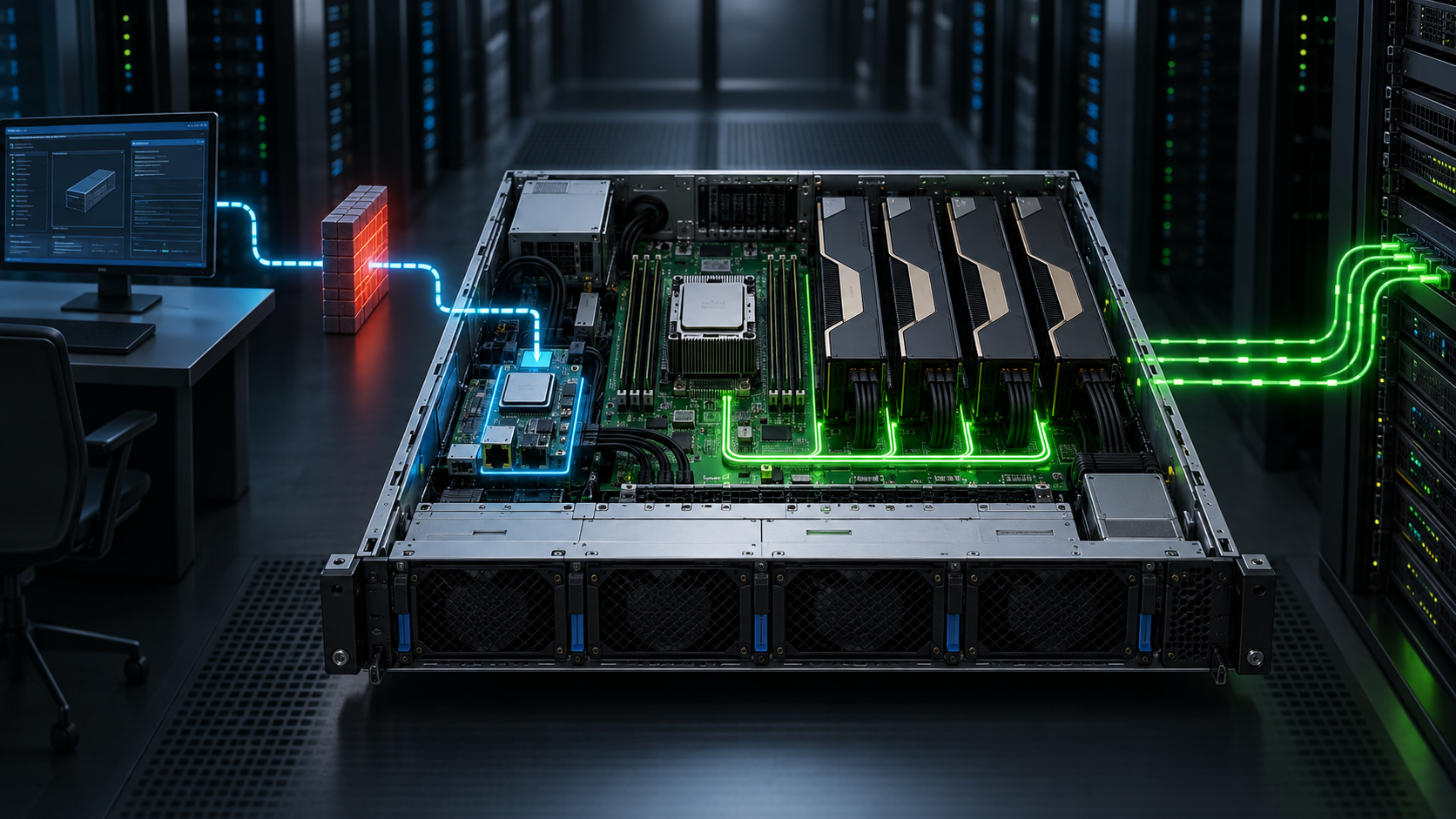
The operating system can be patched, firewalled and completely unavailable while a server's baseboard management controller still has power, network access and authority to restart the machine. That independence is exactly why the BMC is useful, and why treating it as a harmless monitoring port is a serious commissioning mistake.
A BMC is a small computer built into the server platform. It watches sensors, records hardware events and controls functions such as power, remote console and virtual media. IPMI is an older management protocol commonly exposed by BMCs; Redfish is the newer DMTF standard that provides a schema-based HTTPS API for many of the same management tasks.
The practical answer for a new GPU server is simple: put the BMC on a restricted management network before using it, replace or disable default access, update its firmware, configure trusted time and logging, and expose only the services your operating model needs. Do this before the machine carries valuable data or joins a production cluster.
This article explains the management layer and the decisions that belong in a purchase and commissioning plan. Product-specific instructions vary, so the server manual and current vendor security guide take precedence over generic examples.
What does a BMC do when the host is off?
The BMC runs independently from the host operating system. It normally receives standby power whenever the power supplies are connected, even when the front-panel power state says the server is off.
That lets an authorised operator:
- inspect temperatures, voltages, fan states and power-supply health;
- read the system event log and hardware inventory;
- watch POST through a remote console;
- power the host on, off or through a reset;
- attach an installation image through virtual media;
- change boot order, firmware or platform settings where the implementation permits it;
- automate inventory and lifecycle work through an API.
Those are not minor privileges. NSA and CISA warn that a compromised BMC can give an attacker a route around controls running inside the host operating system. Their joint guidance notes that BMC capabilities can affect storage, firmware and platform security features.
An administrator should therefore classify a BMC alongside other privileged infrastructure, not alongside a printer web page or an ordinary monitoring endpoint.
BMC, IPMI and Redfish are different things
The terms are often used as though they mean the same product. They do not.
BMC describes the embedded management controller. Vendors package it under names such as iDRAC, iLO, XClarity Controller or a motherboard manufacturer's management interface.
IPMI is a management-interface specification created by Intel, Hewlett-Packard, NEC and Dell. Version 2.0 covers sensor data, event logs, chassis control, user access and communication with the management controller. Intel states that no further updates to the IPMI specification are planned.
Redfish is a DMTF standard built around HTTPS, REST-style operations, JSON data and published schemas. It gives automation software a more consistent way to discover systems, managers, chassis, firmware, power and other resources. The current DMTF specification requires authentication for write operations and defines minimum transport-security requirements.
Redfish does not magically make a poorly configured management network safe. Nor does an IPMI-capable server need IPMI over LAN enabled merely because local software uses an IPMI path to the controller. Decide which remote interfaces are required, then disable or filter the rest according to the vendor's supported configuration.
Why GPU servers raise the stakes
A dense GPU server concentrates expensive hardware, datasets and operational dependencies in one chassis. Remote management can change the boot path, mount an image, power-cycle the node or expose console output before the operating system starts.
In a multi-node cluster, the exposure multiplies. One shared password, an unrestricted management VLAN or an unpatched management appliance can turn a single oversight into access across many nodes. The GPU fabric does not reduce this risk; the BMC follows its own network and firmware trust path.
The management design also affects recovery. If a failed host can only be reached through the same switch, identity service or routing path that has failed, the supposed out-of-band network is not truly independent enough for the incident it needs to solve.
For an HGX server, make BMC reachability and event export part of the rack acceptance test. A configurable PCIe GPU server needs the same treatment, even when it is the only node in the room.
Choose the management network before assigning addresses
The safest normal design uses a dedicated BMC interface connected to a private management network. HPE recommends a private network that is separate from the data network and accessible only by administrators. Dell likewise describes the dedicated iDRAC NIC as the most secure connection because it permits physical separation from production traffic.
Physical separation is not possible in every rack. A properly controlled management VLAN can still be useful, but a VLAN alone is not an access policy. Define which jump hosts, monitoring systems, automation services and administrator VPN ranges may reach the controllers. Deny general workstation, public internet and tenant traffic.
Document these decisions:
| Decision | Record before commissioning | | --- | --- | | Management path | dedicated switch and NIC, or approved shared-port design | | Addressing | reserved address, hostname, DNS domain and asset identifier | | Allowed sources | jump host, VPN, monitoring and automation subnets | | Required services | HTTPS/Redfish, SSH, IPMI LAN, SNMP, remote console and virtual media | | Authentication | local break-glass account, named accounts, directory or certificate method | | Logging | event destination, retention owner and time source | | Recovery | access route when the production network or identity service is unavailable |
Never place the BMC directly on the internet. If remote access is required, terminate it through an approved VPN or privileged-access path rather than forwarding management ports from a public address.
The first-day security baseline
Inventory before changing anything
Record the server serial number, BMC model, current firmware version, management MAC address, enabled protocols, configured users and certificate state. Export the original event log before clearing factory or transport entries. The first-boot checklist describes the wider hardware evidence pack.
Remove inherited access
Change any factory credential through the vendor's supported enrolment process. Search for additional default, test, service or deployment accounts rather than changing only the visible administrator password.
Create named accounts where the platform supports them. Give monitoring systems read-only access instead of administrator rights. Keep one controlled recovery route, but store it in the organisation's secrets system rather than a shared commissioning document.
Where directory integration or multi-factor authentication is available and supportable during an outage, use it for normal administration. Test the break-glass path separately so an identity-service failure does not lock engineers out of the rack.
Update firmware from a trusted source
Check the server vendor's support page for the exact model and BMC generation. Read the release notes and security advisories before applying an update. Confirm whether the package also changes BIOS, CPLD, backplane or other controller firmware, and whether the host will restart.
Do not upload firmware found on an unofficial mirror. Keep the downloaded package, checksum where supplied, release notes, change ticket and resulting version in the asset record. A cluster rollout should start with a representative node and a tested recovery method.
Replace the certificate
A self-signed certificate proves that the session is encrypted, but it does not by itself prove that the browser reached the intended controller. Install a certificate from the organisation's trusted public-key infrastructure where the platform supports it. Include the management hostname in the certificate and plan renewal before expiry.
Do not train administrators to ignore certificate warnings. That habit removes one of the few visible signs of a wrong address, interception or stale configuration.
Disable unused interfaces and services
Review HTTPS, SSH, IPMI over LAN, SNMP, remote console, virtual media, serial-over-LAN, USB management and host-to-BMC pass-through. Keep only what the operating model requires.
The exact choice depends on tooling. A monitoring platform may need SNMP traps; an automation service may use Redfish; an established break-fix process may still depend on IPMI. The correct baseline is not "disable everything". It is "justify every reachable service and remove the ones nobody owns".
Configure time and logs
Point the BMC at an approved time source and verify the displayed time zone. Without trustworthy time, a power fault in the event log cannot be aligned with switch, operating-system or facility telemetry.
Send security and hardware events to a system that survives loss of the host. Test a harmless event and confirm that the destination records the correct controller identity and timestamp. Decide who reviews failed logins, account changes, firmware updates, virtual-media use and resets.
Remote console and virtual media deserve their own controls
Remote KVM can expose boot messages, recovery shells and credentials entered before the operating system starts. Virtual media can make an external image appear as local removable storage. Both features are valuable during installation and recovery, but they should not remain broadly available merely because the licence includes them.
Limit these functions to administrators who need them. Disconnect mounted images after use, record the image hash and source, and check that unattended sessions expire. If the platform offers a separate privilege for power, console, virtual media or configuration, avoid granting one catch-all role to every operator.
For hosted systems, ask who can open a console and how that access is logged. A provider's general portal login is not enough evidence; the answer should cover staff access, customer roles, audit records and the recovery path.
Redfish helps automation, but start with read-only discovery
Redfish is attractive because one client can query standard resources across several server brands. Begin by collecting inventory, health, power state and firmware versions with read-only credentials. Compare the returned data with the vendor interface and the physical build record.
Write operations need more care. A misplaced automation credential can reset many servers, change boot settings or schedule firmware work. Separate discovery from change privileges, test against a non-production node and require an explicit target list for bulk actions.
The DMTF publishes schemas, interoperability profiles and conformance tools. Vendor extensions still exist, so confirm the exact resources and actions exposed by each platform generation instead of assuming that one script will behave identically everywhere.
What should a buyer ask before ordering?
The management controller belongs in the server specification, even though it does not add GPU throughput.
Ask which BMC generation ships with the chassis, whether a dedicated management port is present, and which functions require a paid licence. Confirm support for Redfish, current TLS, external identity, role separation, remote logging, certificate replacement and firmware rollback. Request the vendor's security guide and current support lifetime.
For a cluster, ask whether credentials, certificates and settings can be provisioned at scale without cloning one password into every controller. Confirm that firmware inventory can be exported and that the supplier will provide a known baseline at handover.
A cheap management implementation can cost far more than its saving if every update requires manual browser work across a hundred nodes.
A practical acceptance record
Do not finish commissioning with a screenshot that says "healthy". Save a repeatable record for each chassis:
- controller model, network identity and firmware version;
- configured management path and permitted source networks;
- account and role inventory without password material;
- enabled protocols with a reason and owner;
- certificate issuer, hostname and expiry date;
- time source and event destination;
- successful remote-console test and disconnected virtual media;
- exported event log and firmware update evidence;
- named owner and date for the next review.
For several servers, compare the records automatically and investigate drift. One node with IPMI over LAN re-enabled or an expired certificate should not disappear inside a spreadsheet of green rows.
Questions buyers ask
Is the BMC still active when the server is powered off?
Usually, yes, while standby power remains connected. That independence enables remote power-on and hardware monitoring, but it also means host shutdown does not remove the management interface from the network.
Is Redfish a replacement for the BMC?
No. The BMC is the controller; Redfish is a standard interface that the controller may expose. A server can support Redfish and still offer vendor-specific management functions.
Should IPMI over LAN always be disabled?
Disable it when nothing requires it. If operational tooling still depends on it, restrict its network reach, use the strongest supported authentication mode, keep firmware current and plan the move to a better-supported interface. Local IPMI use and remote IPMI-over-LAN exposure are separate decisions.
Can the BMC share the production NIC?
Some platforms support a shared port, but a dedicated management NIC and separate network give clearer isolation. If a shared design is unavoidable, document the VLAN, filtering, host pass-through and failure behaviour rather than assuming the switch configuration provides complete separation.
Does a strong password make an internet-facing BMC acceptable?
No. BMCs are privileged embedded systems with firmware and services of their own. Keep them off the public internet and require an approved VPN, jump host or privileged-access path.
Plan the management layer with the server
Ask GPUMachines to review the BMC generation, management-network design, licensing and handover evidence alongside the server configuration. Start with the HGX server range, or compare PCIe GPU servers when independent accelerator cards suit the workload better.