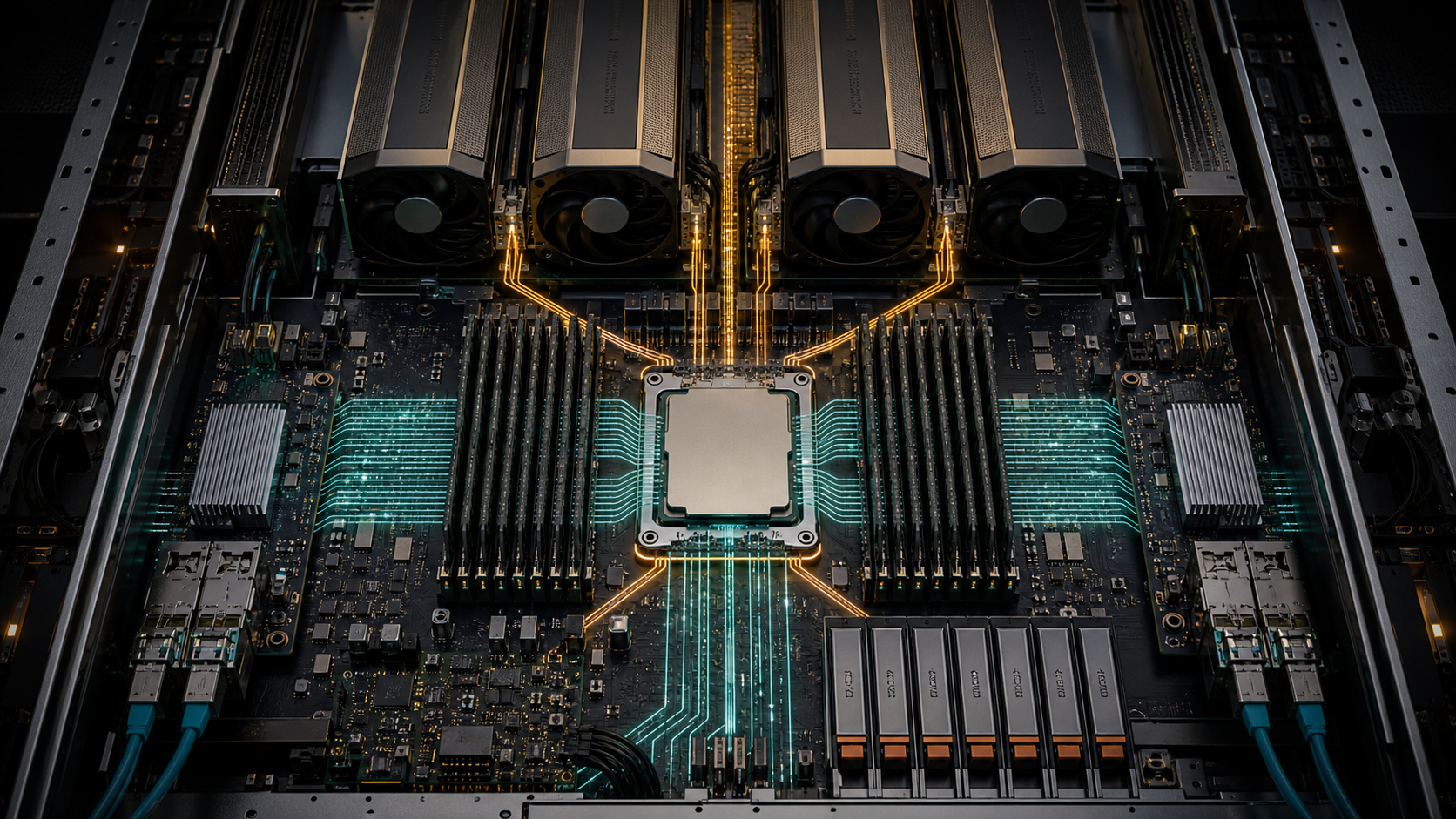
A GPU can sit idle even when its own memory and compute capacity are correctly sized. Request routing, tokenisation, retrieval, data preparation, storage traffic and tool execution all run somewhere, and that work often lands on the host CPU. AMD's EPYC 9006 series arrives at a point when the processor beside the accelerator is carrying more responsibility than the old label "host CPU" suggests.
AMD launched the sixth-generation EPYC family, previously code-named Venice, on 23 July 2026. The published range combines Zen 6 and Zen 6c cores, extends to 256 cores and 512 threads per socket, and introduces platform options with PCIe 6.0 plus DDR5 and MRDIMM support. Some SP7 models expose 16 memory channels, while SP8 models use eight. Exact lane count, clock speed, cache and power also vary by SKU.
That variation is the point. Buying the largest core count without mapping CPU work, memory traffic and PCIe devices can leave an AI server slower, hotter and more expensive than a balanced alternative. This article reads the launch as a configuration problem rather than a benchmark contest. GPUMachines hasn't independently tested EPYC 9006, and AMD marks current specifications as subject to change.
Executive Summary
- Best fit: high-density agent services, retrieval systems, GPU host nodes, data preparation, virtualised AI platforms and CPU-heavy scientific workflows.
- Main platform change: up to 256 cores, DDR5/MRDIMM options, as many as 16 memory channels and PCIe 6.0, depending on the selected processor and server platform.
- Why buyers should care: CPU frequency, memory population and I/O topology can decide whether GPUs receive work on time.
- What not to assume: every EPYC 9006 processor doesn't have the same memory channels or PCIe lane count. The server motherboard can narrow the usable configuration further.
- When it is excessive: a lightly used single-GPU inference system, a workstation or a workload that spends almost all its time inside GPU kernels may gain little from a top-bin server CPU.
Review CPU servers and supporting infrastructure through GPUMachines, or use the GPU Cluster Configurator when the processor will sit inside a larger accelerator deployment.
What AMD Announced
The family uses two core designs. Zen 6 targets higher per-core performance and clock-sensitive work; Zen 6c raises core density for heavily parallel services. AMD positions the range for cloud, enterprise, HPC and AI systems rather than a single server role.
The launch headline of 256 cores applies to the top of the family, not every model. AMD's published product pages also show two socket platforms with materially different characteristics. SP7 examples can provide 16 memory channels, while the SP8 examples checked for this article provide eight. Both can support one- or two-socket systems, subject to the server design.
Three published processors illustrate why the model number needs a proper specification check:
| Example processor | Cores / threads | Maximum boost | Platform | Memory channels | Published PCIe | Default CPU power | |---|---:|---:|---|---:|---:|---:| | EPYC 9556 | 64 / 128 | Up to 4.3GHz | SP7 | 16 | PCIe 6.0 x128 | 300W | | EPYC 9846 | 168 / 336 | Up to 3.7GHz | SP7 | 16 | PCIe 6.0 x96 | 500W | | EPYC 9576F | 64 / 128 | Up to 5.0GHz | SP8 | 8 | PCIe 6.0 x128 | 400W |
These are AMD-published specifications checked on 24 July 2026. They don't describe a complete server. Memory speed depends on module type and population, PCIe slots depend on motherboard routing, and the cooling system must support the selected processor.
The comparison also exposes a common purchasing error: more cores don't guarantee more I/O. The 168-core EPYC 9846 page lists 96 PCIe lanes, while the 64-core examples above list 128. A GPU host with several accelerators, NVMe drives and 400/800Gb network adapters may prefer the processor and board with the cleaner lane map.
Why Agentic AI Puts Work Back on the CPU
An LLM response looks GPU-centred when viewed from the model server. A production agent service is wider. It may authenticate the request, search a vector index, parse documents, call databases, execute a sandboxed tool, inspect the result and send another model request. The GPU handles dense model computation; the CPU carries much of the surrounding control and data work.
Concurrency amplifies that load. One user running one tool rarely troubles a modern server processor. Hundreds of agents opening short-lived sandboxes, decompressing documents and querying several services create a different profile. Core count then matters, but so do memory latency, cache behaviour and per-core speed.
AMD's launch material divides agent work into stages such as request handling, context assembly, planning, retrieval, enterprise tools and response streaming. Its performance comparisons use representative modules with network and disk I/O excluded. That makes the results useful for studying CPU execution, but they are not complete agent-service benchmarks. A real deployment may spend substantial time waiting for storage, databases, remote APIs or the model itself.
The right purchasing question is therefore specific: which stages are consuming CPU time on the current system, and what happens at the intended concurrency? Without that measurement, "agentic AI CPU" is marketing shorthand.
GPU Host Nodes Need Frequency, Lanes and Locality
An eight-GPU server can require far fewer CPU cores than an agent sandbox cluster, yet it can be harder to configure. The host processor has to feed accelerators and network adapters through a finite I/O topology.
Start with the lane budget. List every GPU, NIC, DPU, NVMe drive and PCIe switch. Record link width and generation at each hop, not merely the slot shape. PCIe 6.0 on the processor doesn't make a Gen5 accelerator faster; it can still provide more aggregate headroom for switches, next-generation adapters and storage if the board routes those lanes sensibly.
Then draw NUMA placement. On a two-socket server, each device belongs physically to one processor or reaches it through an inter-socket path. A process that allocates memory on socket one while driving a NIC attached to socket two adds traffic and latency that a larger core count won't fix. GPU, NIC and NVMe affinity should be tested with the intended runtime.
Frequency remains relevant. Request dispatch, collective launch, preprocessing and serial application stages don't always scale across hundreds of cores. A high-frequency 32- or 64-core processor can beat a dense part when the critical path depends on a smaller number of busy threads.
That isn't an argument for always choosing frequency. It is a warning against using core count as the only CPU metric.
Memory Channels Are a Configuration Decision
AMD lists up to 16 DDR5 channels and MRDIMM rates up to 12,800MT/s for parts of the EPYC 9006 family. The word "up to" carries a lot of weight.
A processor with 16 channels only receives the intended aggregate bandwidth when the server supports those channels and the DIMMs are populated according to the manufacturer's rules. Saving money by installing a few very large modules can leave channels empty. The machine may meet its capacity target while sacrificing bandwidth.
Capacity should follow the workload:
- GPU host nodes need enough RAM for pinned buffers, preprocessing, runtime services, data loaders and failure recovery without paging.
- Retrieval services may keep indexes, caches and frequently accessed documents in memory.
- Agent sandboxes need a per-instance allocation multiplied by realistic concurrency, plus operating-system and control-plane headroom.
- CPU-only simulation or data preparation can consume memory bandwidth long before it uses every core.
MRDIMMs can raise data rates, but they add platform and qualification requirements. Check the exact motherboard, firmware release, DIMM part number, population map and supported speed. Mixing a headline processor specification with an unqualified memory configuration is how expensive systems end up running below expectation.
One Socket or Two?
Two sockets can add cores, memory channels, capacity and I/O. They also create another locality boundary.
A one-socket design can be attractive for GPU hosts because device ownership is simpler. Processes, memory and adapters remain under one NUMA node or a smaller set of internal domains. It may also reduce processor power and licensing cost.
Two sockets make sense when the workload needs more memory capacity, more aggregate memory bandwidth, additional I/O or a core count that one processor can't supply. Dense virtualisation, CPU rendering, scientific computing and large retrieval tiers can justify the added hardware.
The compromise is software discipline. The scheduler, container runtime and application must respect CPU and memory affinity. Run the actual job with one socket disabled or with explicit binding during acceptance testing; that comparison often reveals whether the second socket is helping.
PCIe 6.0 Does Not Remove the Slot Map
PCIe 6.0 doubles signalling rate over Gen5, but server design remains physical. Slots have widths. Cables and retimers have limits. PCIe switches introduce sharing and failure boundaries. Firmware can change bifurcation.
Before ordering a GPU host, request a block diagram that identifies:
1. CPU ownership for every accelerator and adapter. 2. Direct-attached lanes versus switched lanes. 3. Link generation and width at each segment. 4. NVMe backplane routing and any shared uplinks. 5. Supported bifurcation, retimer and cable combinations. 6. Remaining lanes after the quoted configuration is installed.
An x16 mechanical slot running at x8 may still suit a particular NIC. It shouldn't arrive as a surprise.
PCIe 6.0 also raises signal-integrity and thermal demands around switches, retimers and adapters. Qualification matters more than theoretical lane arithmetic. GPUMachines can review the complete server option list rather than treating processor support as proof that every card combination works.
Storage and Retrieval Workloads
RAG and agent systems often move the bottleneck away from the GPU. A query may touch a vector database, object store, relational system and document service before inference starts. CPU choice then interacts with storage layout and network design.
High clock speed can help latency-sensitive database stages. More cores help when many queries, decompression tasks or embedding jobs run together. Memory bandwidth matters for large indexes and scans, while PCIe lanes decide how many NVMe drives and high-speed NICs can operate without a narrow shared path.
Local NVMe is useful for active indexes, model staging and temporary data. It isn't a backup. Shared storage or object storage still needs a protection and recovery plan. If the same host serves GPUs and storage, test a checkpoint or dataset load while inference remains active.
A processor upgrade won't rescue an undersized storage network. The hardware requirements for agentic AI systems article covers the surrounding GPU, memory and storage choices.
CPU Selection by Workload
Latency-sensitive GPU inference
Prioritise enough high-frequency cores for the serving runtime, tokenisation, networking and observability. One socket can keep locality manageable. Spend the saved power budget on the GPU, memory or networking if measurements show the CPU isn't saturated.
High-density agent execution
Core and thread density become more valuable when the system runs many isolated tools or lightweight services. Size RAM per concurrent agent, measure sandbox start cost and reserve headroom for the control plane. A 256-core processor is only useful when software can schedule the work without turning memory or storage into the next queue.
Retrieval and data services
Balance frequency, core count, memory channels and PCIe lanes. A 16-channel SP7 part may suit a bandwidth-heavy in-memory service, but the server and memory population must realise that capability. Fast NICs and NVMe devices need an explicit lane map.
Multi-GPU training host
The host CPU should support data loading, checkpoint orchestration, network traffic and job services without competing with the accelerators. More cores can help preprocessing, but affinity and I/O usually deserve attention first. For tightly coupled training, the GPU fabric remains separate from the host PCIe path.
Power, Cooling and Rack Density
AMD's published examples range from under 200W to 600W of default CPU power. That figure sits beside DIMMs, GPUs, NICs, NVMe drives and PCIe switches, all of which add heat.
A 500W processor may be perfectly reasonable in a dense compute server. It may also force a different heatsink, fan policy or liquid-cooling option. Two high-power processors can consume a meaningful part of the rack budget before accelerators are counted.
Ask the system manufacturer for maximum configured power, not a sum assembled from typical values. Check inlet temperature, airflow direction, fan redundancy and performance under a failed-fan condition. CPU throttling during a long job can look like a software problem unless telemetry records clocks and temperature.
Rack planning should include PDU feeds, cable space and service access. A CPU choice is not isolated from the chassis.
Who Should Consider EPYC 9006
EPYC 9006 belongs on the shortlist for organisations building new GPU hosts, agent platforms, high-throughput retrieval services or CPU-heavy HPC systems that need more memory bandwidth and newer I/O. It is also relevant where server consolidation can reduce licence, rack or management overhead.
AI service providers may value the split between high-frequency and dense-core processors. Research teams can choose processors around data preparation and simulation rather than buying one general-purpose SKU across every node.
The strongest candidate already has utilisation data from the current platform. CPU run queue, per-core use, memory bandwidth, NUMA misses, storage latency and PCIe traffic should tell the story.
Who Should Not Buy the Largest Model
A small inference service with one or two GPUs rarely needs 256 CPU cores. If GPU kernels dominate job time and host use remains low, a smaller processor can leave more budget and power for accelerators.
Workstations and edge systems also have different requirements. They may need lower noise, lower idle power or a desktop software stack more than server-level core density. A hosted GPU service can be the better route when demand is still uncertain.
Don't replace a recent EPYC 9004 or 9005 server because a new generation exists. Measure the current constraint. Memory, storage, network or GPU capacity may deliver a larger improvement.
A GPUMachines Configuration Checklist
Before selecting a processor, collect:
- CPU time by service and workload stage.
- Peak and sustained concurrency.
- Required RAM capacity plus a channel population plan.
- Every PCIe device, link width and generation.
- One- or two-socket NUMA placement.
- Maximum server and rack power.
- Operating-system, hypervisor and firmware qualification.
- Acceptance tests covering normal load, failure and noisy neighbours.
GPUMachines can then compare processor options inside available server platforms, confirm memory and adapter qualification, and check rack or hosted deployment. Sourcing remains subject to manufacturer availability and the final system support matrix.
Our Technical View
EPYC 9006 is more useful as a broad configuration range than as one top-bin benchmark. The family lets buyers trade frequency, cores, memory channels, lanes and power instead of accepting one processor shape for every AI role.
The 16-channel SP7 options stand out for bandwidth-heavy services, while high-frequency SP8 parts may suit latency-sensitive work that doesn't need the same memory width. Dense Zen 6c models can support large agent or virtual-machine populations, provided the memory and storage design scales with them.
For GPU servers, we would resist choosing the CPU from a core-count table. Device topology, NUMA placement and sustained clocks deserve equal attention. A 64-core processor with a clean x128 lane map can be a better host than a denser model if it removes a PCIe compromise.
FAQ
Does an AI server need a 256-core CPU?
Usually not. Large core counts suit dense agent execution, virtualisation and CPU-heavy supporting services. A GPU-bound server may need fewer, faster cores and a better I/O map.
Is EPYC 9006 faster for every AI workload?
No. AMD publishes projected and measured comparisons for selected workloads, but a deployment can be limited by GPUs, memory, storage, network or software. Test the complete service.
Do all EPYC 9006 CPUs have 16 memory channels?
No. AMD's published SP7 examples can provide 16 channels, while SP8 examples checked for this article provide eight. Confirm the processor and server specification together.
Will PCIe 6.0 make a PCIe 5.0 GPU faster?
The GPU link still runs at its supported generation and width. PCIe 6.0 can provide platform headroom for switches, NICs and storage, but only when the motherboard routes it correctly.
Should a multi-GPU server use one or two sockets?
One socket simplifies locality; two can add memory and I/O. The correct answer follows the board topology and workload. Test CPU, memory, GPU and NIC affinity before accepting the system.
How much RAM should an agent server have?
Calculate memory per concurrent agent or sandbox, then add the model-serving, retrieval, operating-system and control-plane requirements. Populate channels according to the manufacturer's rules rather than meeting capacity with the fewest DIMMs.
Can GPUMachines source EPYC 9006 servers?
GPUMachines can review and source suitable AMD EPYC platforms subject to manufacturer release, regional supply and qualified configuration. A current quote should confirm the exact processor, memory and adapter options.
Verdict
AMD EPYC 9006 gives AI infrastructure buyers a wider host-CPU toolbox: dense cores for agent execution, high-frequency parts for latency, wider memory on selected platforms and PCIe 6.0 for newer I/O designs.
The best buyer knows which host-side stage is slow. Choose the processor after measuring that stage, mapping the devices and deciding how memory channels will be populated. If those inputs are missing, the top SKU is guesswork.
Ask GPUMachines to review an EPYC 9006 CPU server, GPU host node or agent platform configuration.
Sources and Further Reading
- AMD EPYC 9006 Series product page (checked 24 July 2026). Primary source for family positioning, platform range and headline capabilities.
- AMD: EPYC 9006 and agentic AI technical announcement (23 July 2026). Primary source for architecture, AMD's workload framing and test methodology.
- AMD EPYC 9556 specifications. Primary source for the 64-core SP7 example.
- AMD EPYC 9846 specifications. Primary source for the 168-core SP7 example.
- AMD EPYC 9576F specifications. Primary source for the high-frequency SP8 example.
AMD's comparative performance and efficiency statements are vendor claims based on AMD's stated configurations and methodologies. Specifications remain subject to change. GPUMachines hasn't independently benchmarked EPYC 9006 for this article.